


MTO Smart Product Labels — PrestaShop Product Badges & Stickers Module
59,00 $
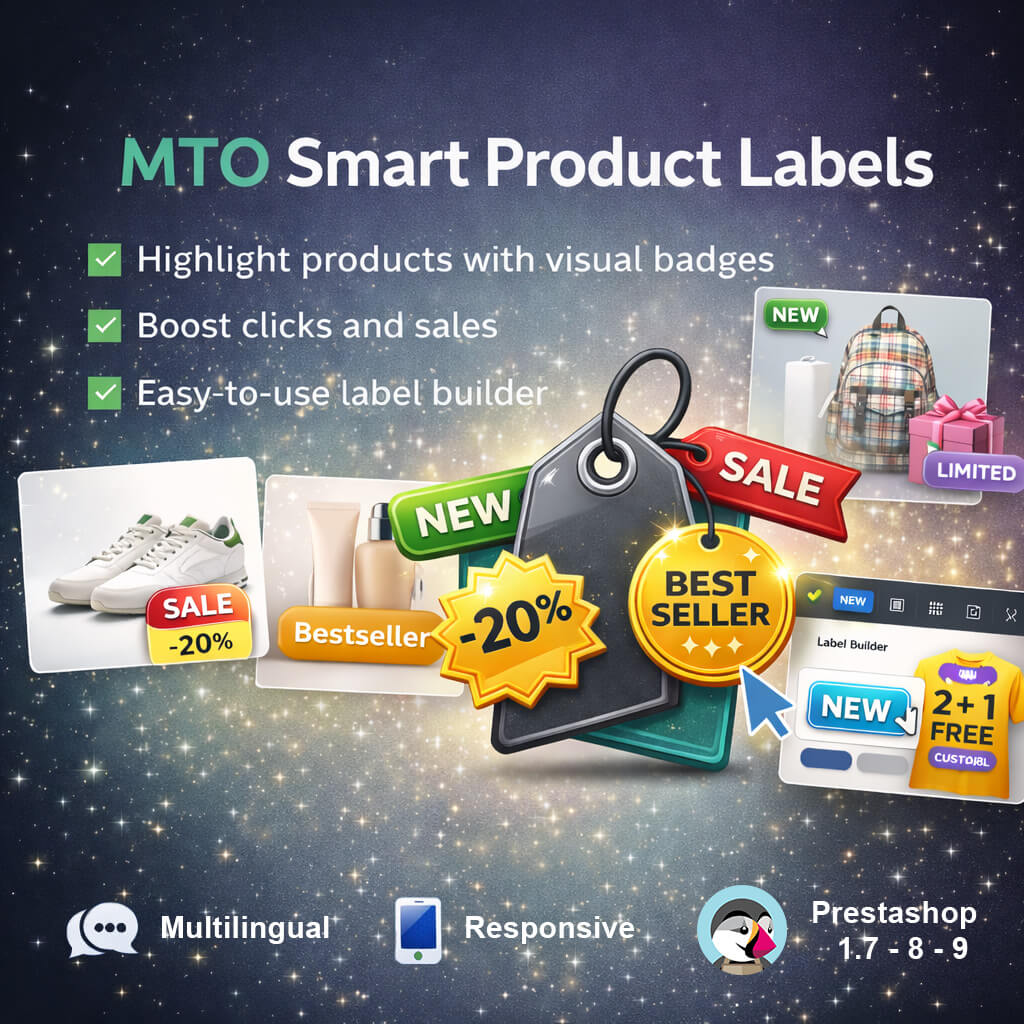
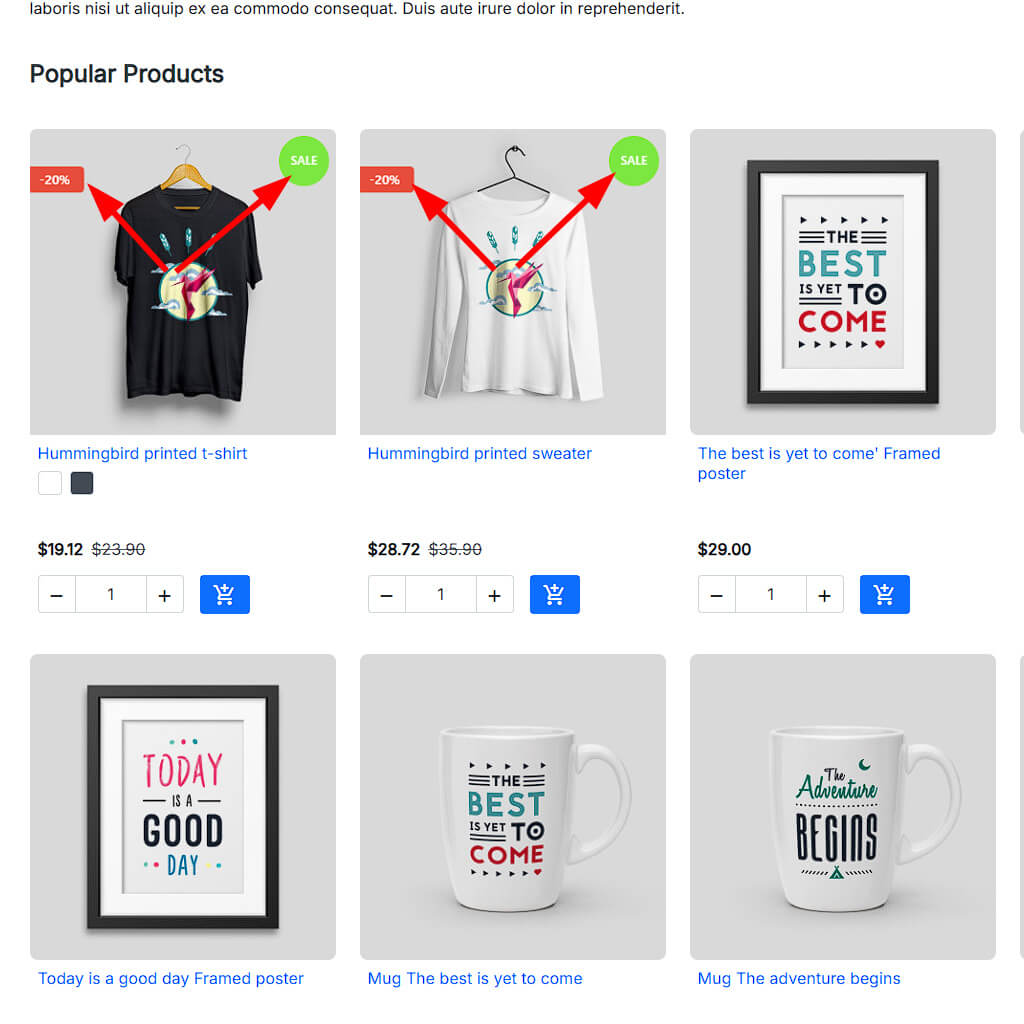
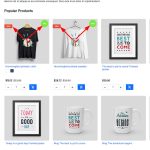
Display eye-catching labels, badges, and stickers on your PrestaShop product images. MTO Smart Product Labels is a powerful PrestaShop product labels module with 10 smart auto-rule types that automatically assign labels like New, Sale, Bestseller, and Low Stock — no manual work required.
Key highlights:
- 10 smart auto-rules: New, On Sale, Discount %, Bestseller, Low Stock, Category, Manufacturer, Supplier, Feature, Price Range
- Dynamic
{discount}variable — shows actual discount percentage (e.g., “-25%”) - 4 shapes × 4 positions × 2 animations + custom image labels
- Date scheduling: show labels only during Black Friday, Christmas, etc.
- Compatible with PrestaShop 1.7, 8, and 9 — no overrides, theme-agnostic
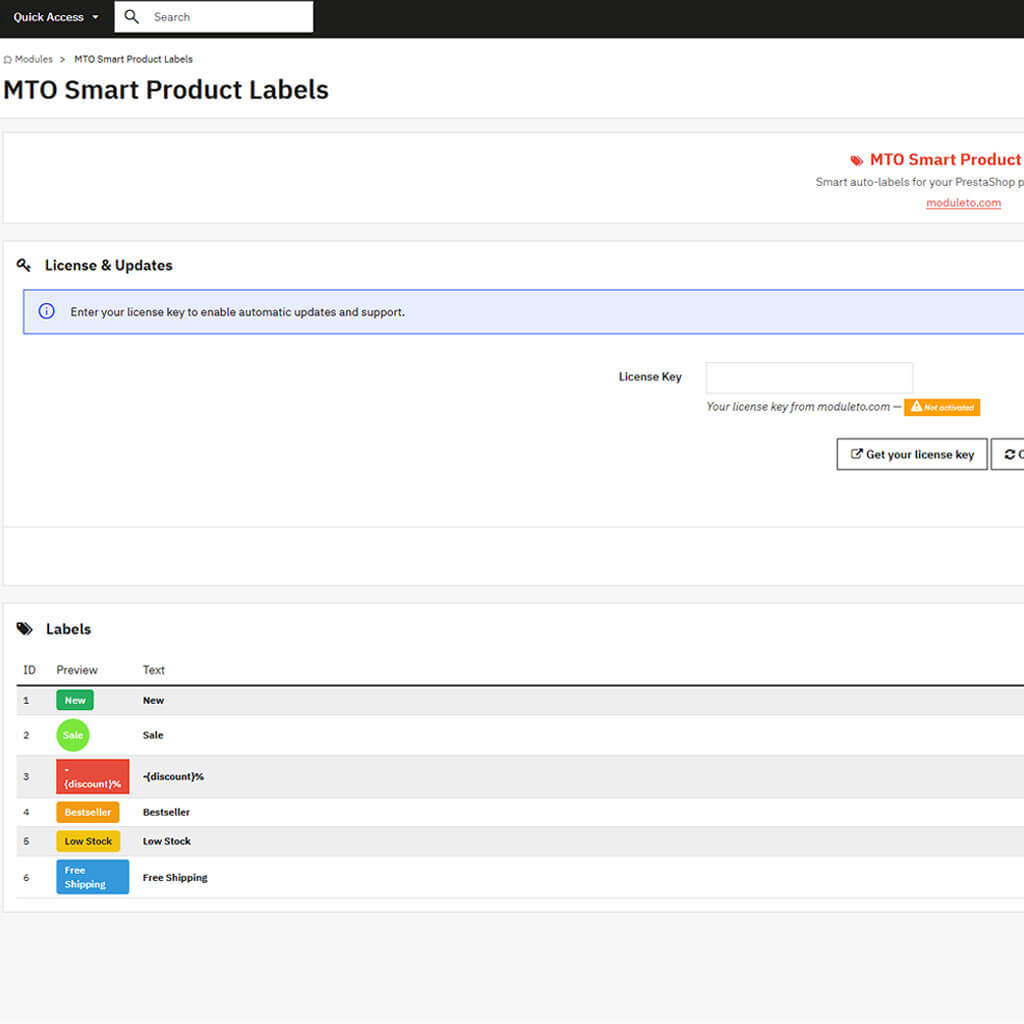
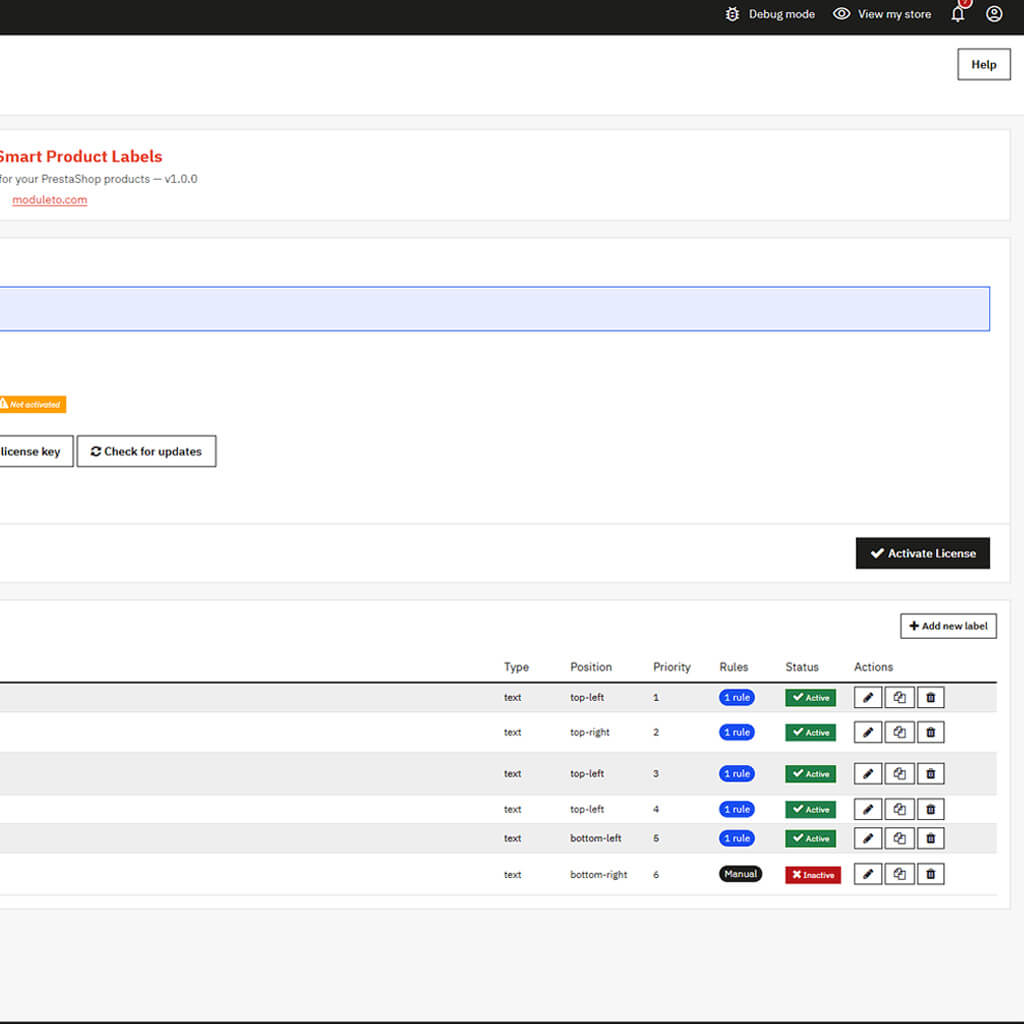
6 ready-to-use preset labels included. Includes license activation, automatic updates, and one-click upgrades.
Description
Make Your Products Stand Out With Smart Labels
In a crowded product catalog, shoppers need visual cues to quickly identify what matters: what’s new, what’s on sale, what’s popular. The MTO Smart Product Labels module for PrestaShop lets you place eye-catching badges, stickers, and labels directly on product images — both on listing pages and on individual product pages. Unlike basic label modules that require manual assignment for every product, MTO Smart Product Labels uses an intelligent rule engine that automatically assigns labels based on real product data.
Set it up once, and the module does the rest. No ongoing manual work — just smart automation.
10 Smart Auto-Rule Types — The Heart of This PrestaShop Product Labels Module
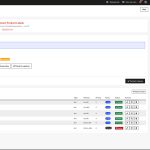
The rule engine is what sets MTO Smart Product Labels apart from simpler alternatives. Each label can have one or more rules attached, and all rules must match for the label to appear (AND logic). The 10 available rule types are:
- New Product — added within the last X days
- On Sale — has an active specific price or discount
- Discount Percentage — discount at least X%; use
{discount}for dynamic display - Bestseller — sold X+ units in the last Y days
- Low Stock — stock below threshold (and above zero)
- Category — belongs to selected categories
- Manufacturer — from selected brands
- Supplier — from selected suppliers
- Feature — has a specific feature value
- Price Range — price between min and max values
Combine rules for advanced targeting. For example: show a “Premium Deal” label on products that are On Sale AND in the “Electronics” category AND have a discount of at least 15%.
Dynamic Variables — Labels That Update Themselves
MTO Smart Product Labels supports three built-in variables that pull live data from each product:
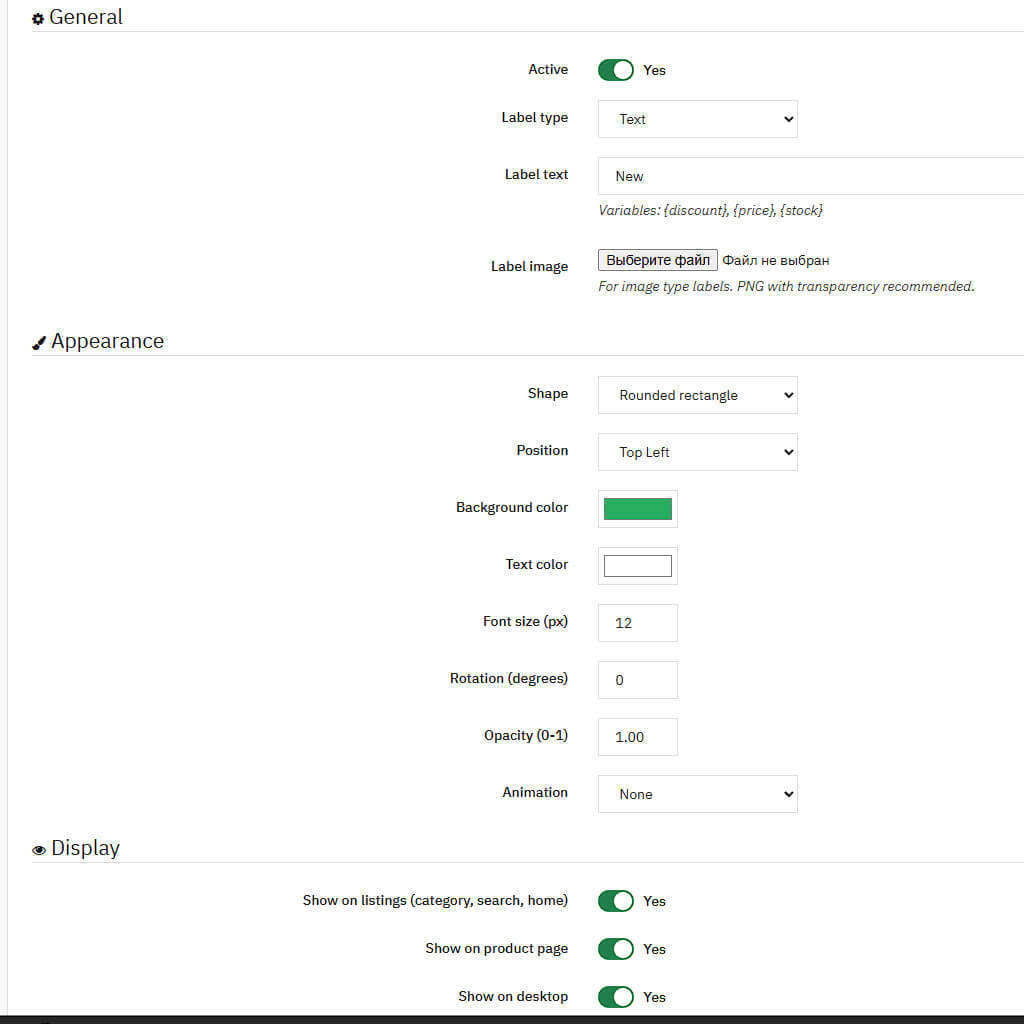
{discount}— actual discount percentage (e.g., “-25%”){price}— current product price with currency symbol{stock}— current stock quantity (e.g., “Only 3 left!”)
A “-25%” badge is more compelling than a plain “Sale” label because it communicates the exact value the customer is getting.
6 Ready-to-Use Presets — Activate and Go
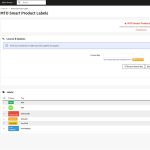
The module ships with six pre-configured label presets, each with colors, positioning, and a smart rule already set up: New (green, top-left), Sale (red, top-right), -{discount}% (red circle), Bestseller (orange, top-left), Low Stock (yellow, bottom-left), and Free Shipping (blue, bottom-right). All presets come translated in six languages.
Full Visual Customization
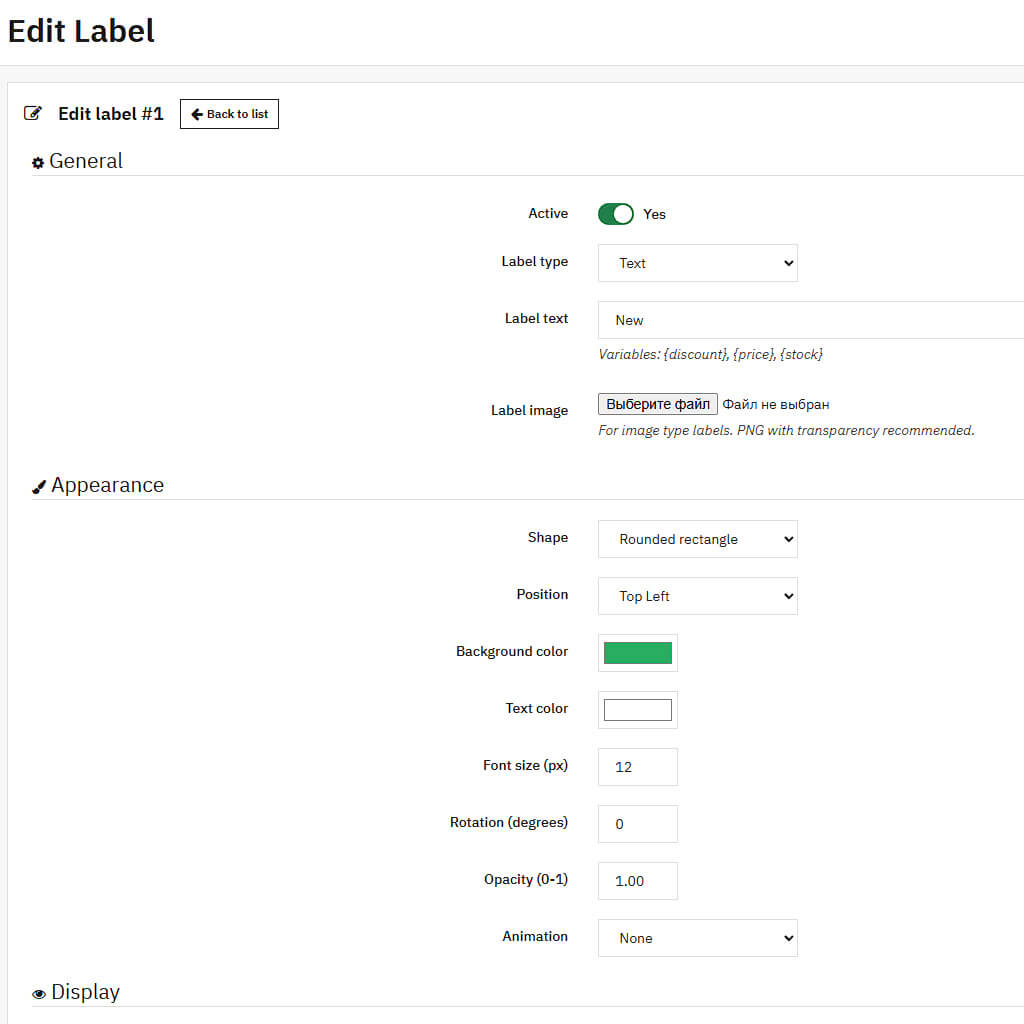
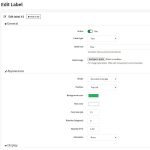
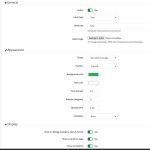
Every label is fully customizable: 4 shapes (rectangle, rounded, circle, ribbon), 4 positions, background and text colors, font size, opacity, rotation, pulse and shine animations, custom image upload (PNG/SVG/WebP), desktop/mobile visibility, listing/product page toggles, date scheduling, and a priority system for controlling label stacking order.
Theme-Agnostic AJAX Injection
Many label modules rely on specific theme hooks that may not work across all themes. MTO Smart Product Labels uses an AJAX-based JavaScript injection system that scans the page for product elements, fetches matching labels via a lightweight API call, and injects them directly into product image containers. This works reliably on any theme — Classic, Hummingbird, and third-party themes alike. The module also handles faceted search updates, infinite scroll, and dynamically loaded product listings.
Lightweight and Conflict-Free
Four lean database tables for label definitions, rules, translations, and manual assignments. One small CSS file, one JavaScript file — no jQuery dependency, no external libraries, no overrides. Label matching results are cached in memory during each page request for minimal database overhead.
What’s Included
- Full module source code (no encryption)
- License for one live PrestaShop store
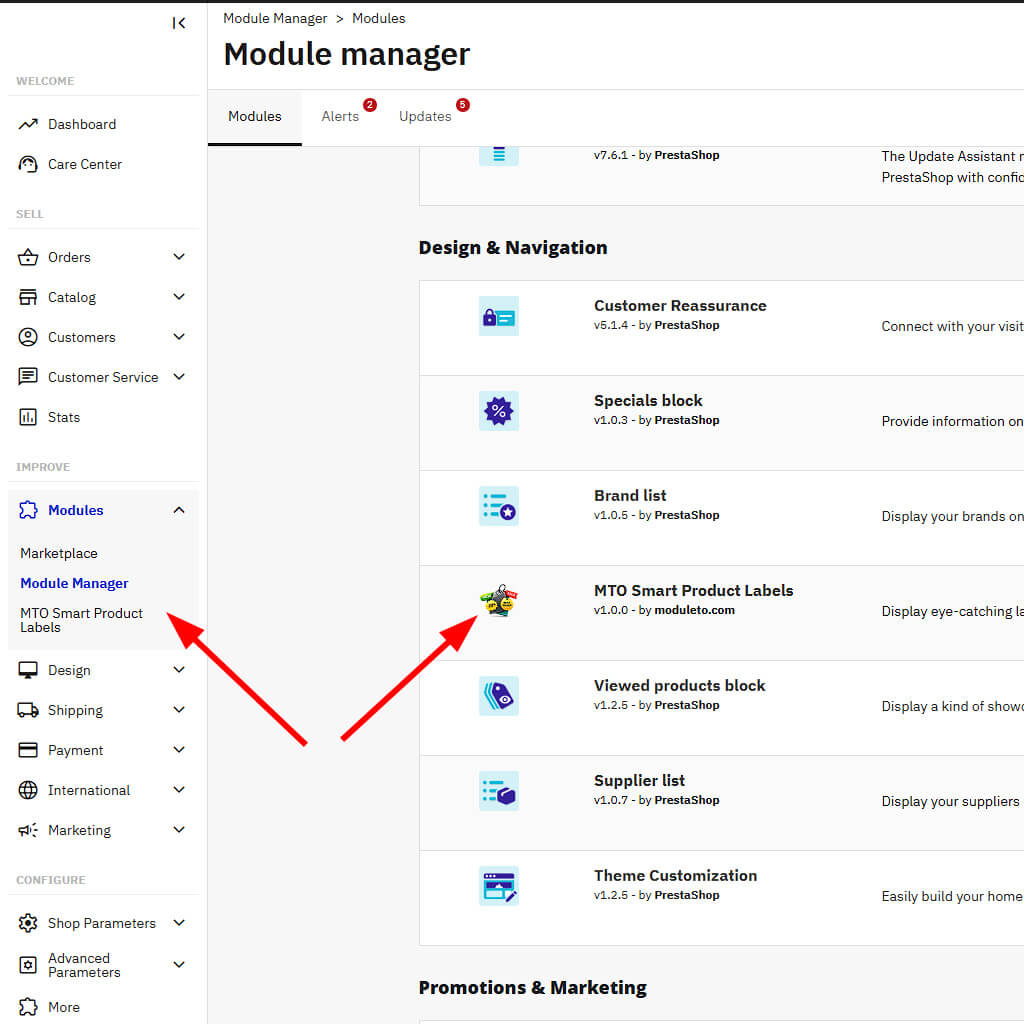
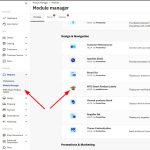
- Automatic updates via Module Manager
- Translations: English, French, Spanish, German, Italian, Polish
- 30-day money-back guarantee
- Compatible with PrestaShop 1.7, 8, and 9
- PHP 7.4 – 8.3+ support
Reviews (0)
You must be logged in to post a review.
Shipping & Delivery
Frequently Asked Questions
Is MTO Smart Product Labels — PrestaShop Product Badges & Stickers Module compatible with PrestaShop 9?
Yes. MTO Smart Product Labels — PrestaShop Product Badges & Stickers Module is fully compatible with PrestaShop 1.7, 1.7.8, 8.x, and 9.x. The module is tested across versions and updated when PrestaShop releases new minor versions.
Are updates included with MTO Smart Product Labels — PrestaShop Product Badges & Stickers Module?
Yes — lifetime updates are free. New versions arrive directly in the PrestaShop Module Manager and install in one click. There is no recurring fee or subscription.
Does MTO Smart Product Labels — PrestaShop Product Badges & Stickers Module work with custom PrestaShop themes?
Yes. MTO Smart Product Labels — PrestaShop Product Badges & Stickers Module is theme-agnostic and uses no template overrides. It integrates via standard PrestaShop hooks, so it works with the default theme, third-party themes, and custom-built themes.
What is the refund policy for MTO Smart Product Labels — PrestaShop Product Badges & Stickers Module?
MTO Smart Product Labels — PrestaShop Product Badges & Stickers Module comes with a 30-day money-back guarantee. If the module does not meet your expectations within 30 days of purchase, contact Moduleto for a full refund — no questions asked.
Is technical support included with MTO Smart Product Labels — PrestaShop Product Badges & Stickers Module?
Yes. Technical support is provided directly by Moduleto developers in English and French. Average response time is 24 business hours by email.
Related products

MTO Social Proof — Product Page Content
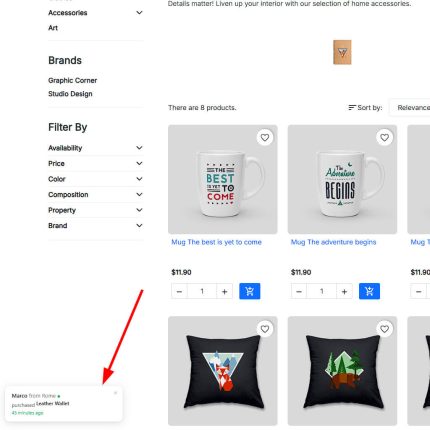
Display recent purchase notification popups on your PrestaShop store to create instant social proof and FOMO. MTO Social Proof is a lightweight PrestaShop social proof module that shows "Anna from Berlin purchased Hummingbird T-shirt — 3 minutes ago" popups, encouraging visitors to buy now.
Key highlights:
- Real orders from your store database — or virtual (fake) notifications for new stores
- Mixed mode: combine real and virtual for maximum impact
- Product thumbnail, customer name, city, and "X minutes ago" in each popup
- Click popup → go to product page (drives traffic to products)
- Configurable timing: show duration, interval, initial delay, max popups per visit
- Customer name privacy: full name, first name only, or initials
- Exclude pages: hide on cart, checkout, account pages
- Compatible with PrestaShop 1.7, 8, and 9 — no overrides

MTO WhatsApp Chat — Product Page Content
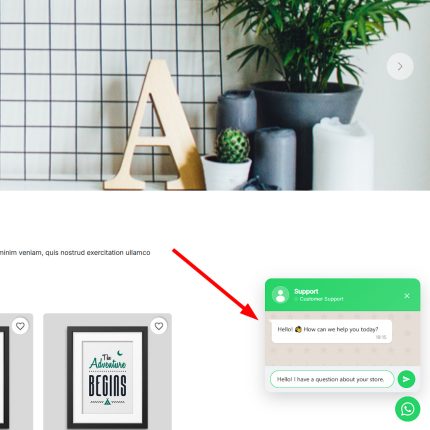
Add a professional WhatsApp chat button to your PrestaShop store and let customers reach you in one tap. MTO WhatsApp Chat is a lightweight PrestaShop WhatsApp chat module that displays a floating button with an optional popup chat window — just like the real WhatsApp interface.
Key highlights:
- Two modes: Direct WhatsApp link or interactive Chat Window with agent info
- Smart pre-filled messages with product name and URL variables
- Working hours schedule — auto-hide or show "Offline" outside business hours
- Fully customizable: colors, position, animation, delays, device visibility
- Compatible with PrestaShop 1.7, 8, and 9 — no overrides, no conflicts
Premier Pack Master
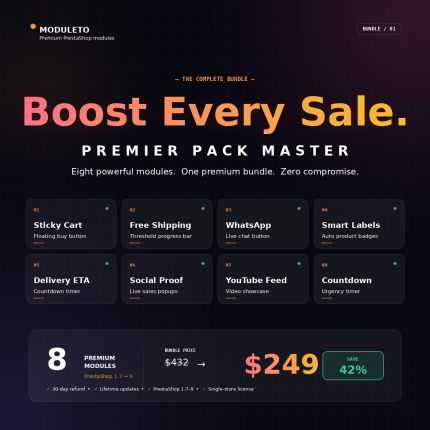
🚀 Boost your PrestaShop store with 8 premium Moduleto modules — bundled in a single pack.
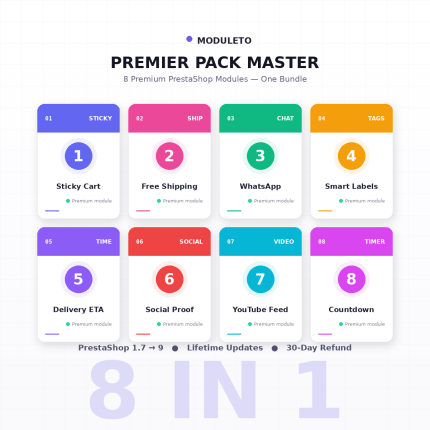
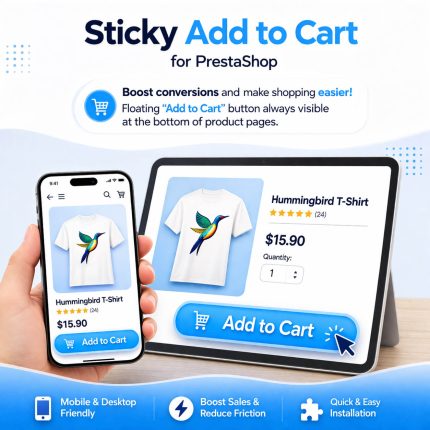
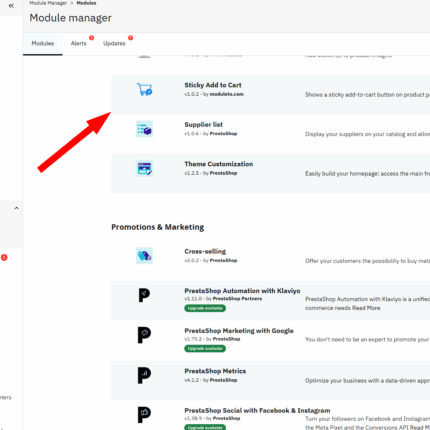
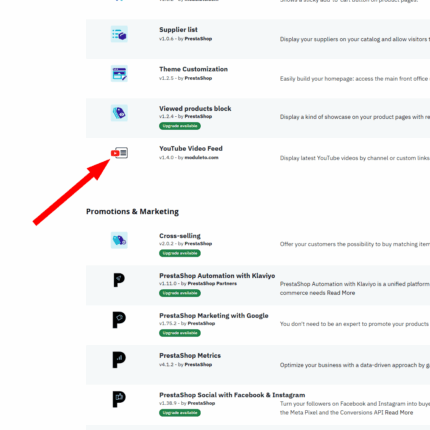
Sticky Cart, Free Shipping Bar, WhatsApp Chat, Smart Labels, Estimated Delivery, Social Proof, YouTube Feed, and Countdown Timer. Everything you need to increase conversions, average order value, and customer trust.
💰 $249 $432 | ⚡ -42% savings | 🛡️ 30-day guarantee
Compatible with PrestaShop 1.7 → 9 · Lifetime updates · Single-store license

YouTube Video Feed PrestaShop Module
Showcase your latest YouTube videos anywhere in your PrestaShop store with this powerful and easy-to-use module. Choose between grid or slider layouts, customize columns, enable autoplay, and support multiple display positions. No coding required. Fully responsive and compatible with PrestaShop 1.7, 8, 9. Perfect for boosting engagement and sales!
Reviews
There are no reviews yet.