






MTO WhatsApp Chat — Product Page Content
49,00 $
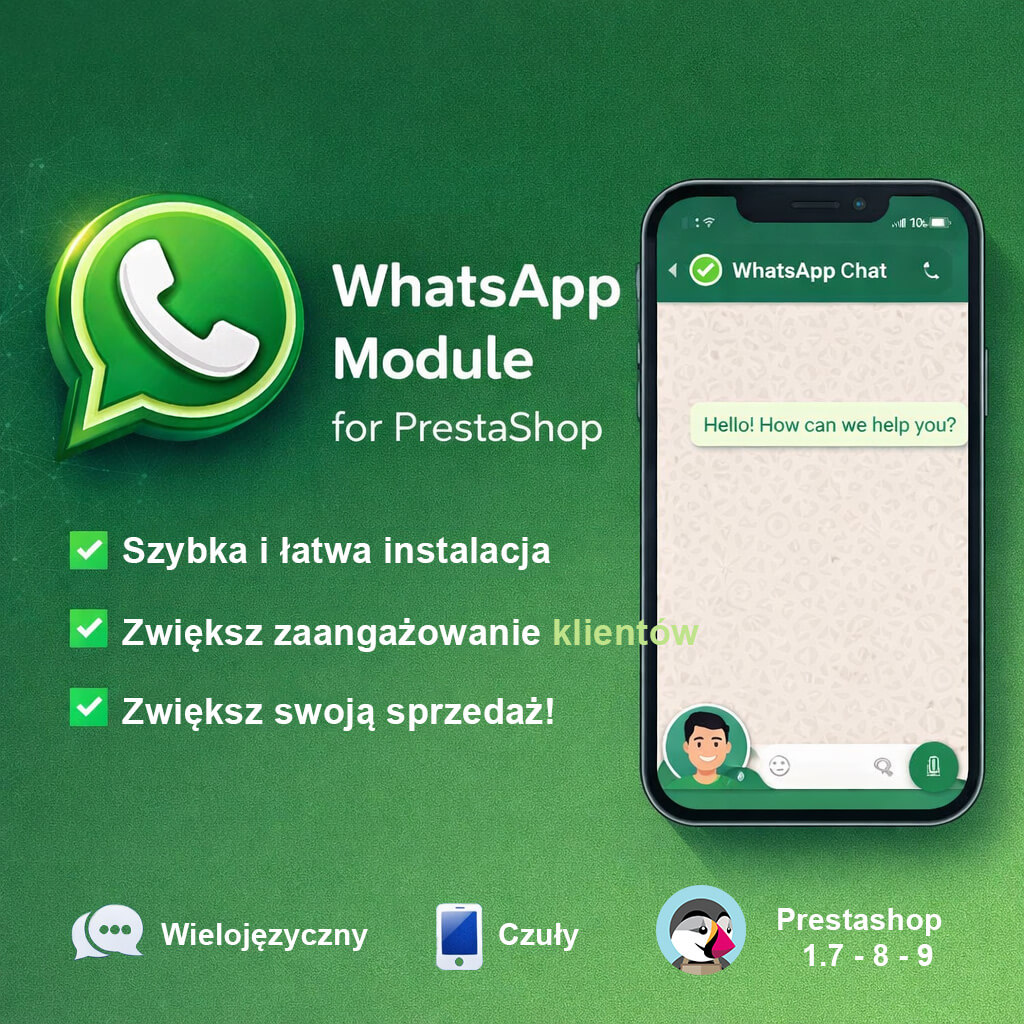
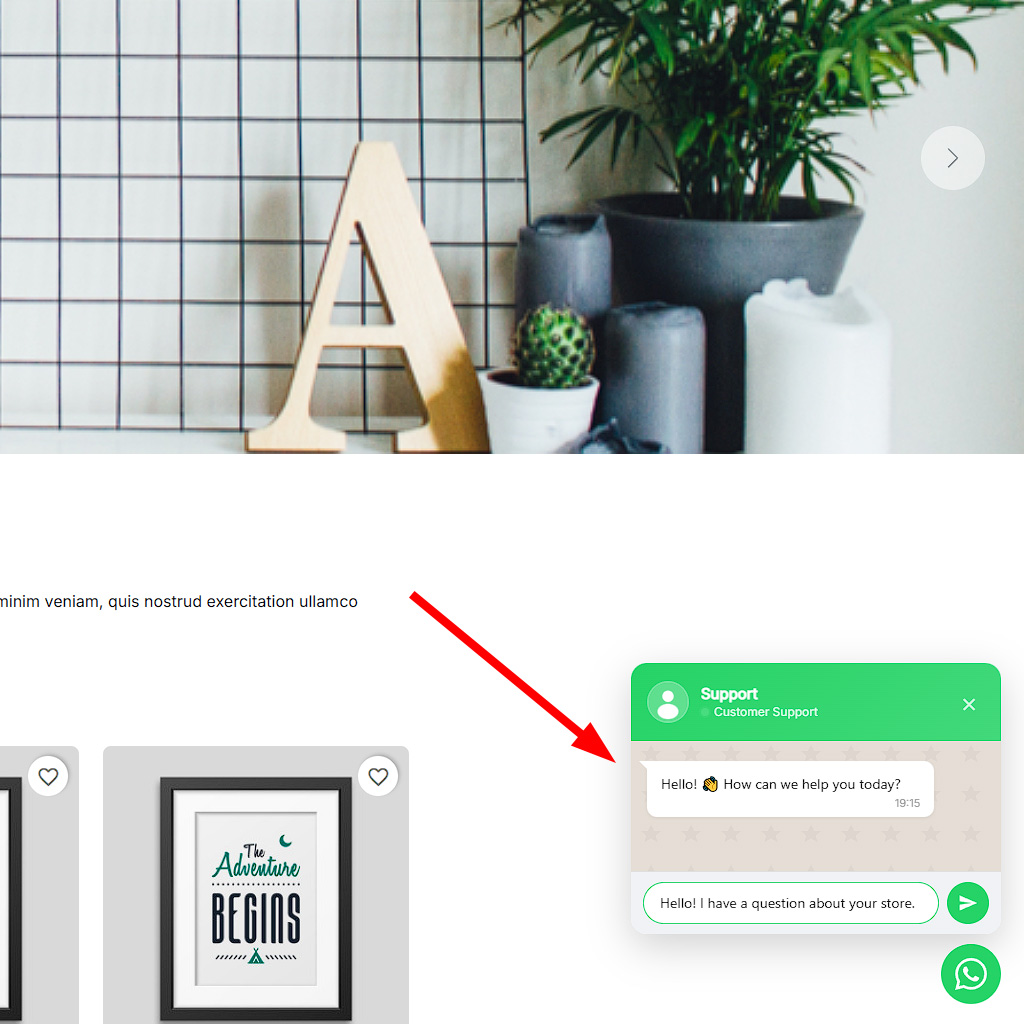
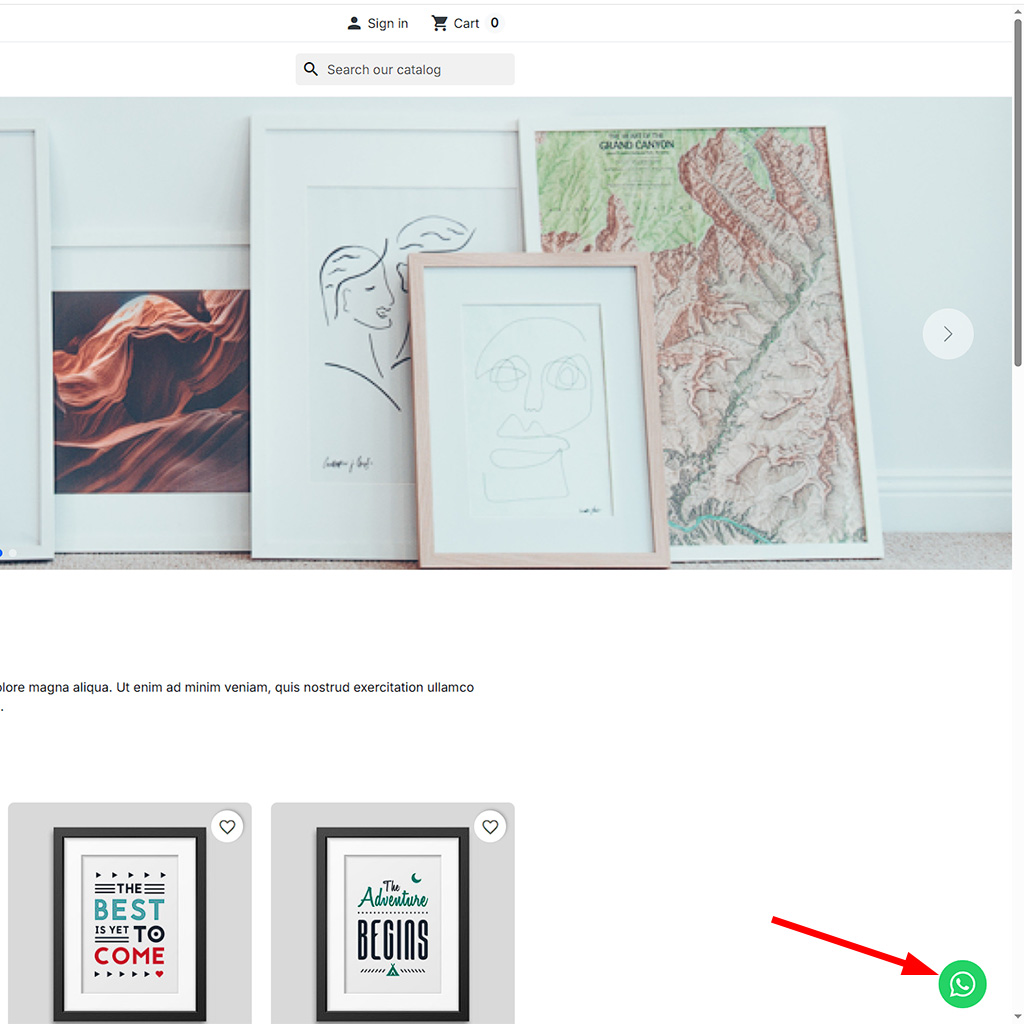
Add a professional WhatsApp chat button to your PrestaShop store and let customers reach you in one tap. MTO WhatsApp Chat is a lightweight PrestaShop WhatsApp chat module that displays a floating button with an optional popup chat window — just like the real WhatsApp interface.
Key highlights:
- Two modes: Direct WhatsApp link or interactive Chat Window with agent info
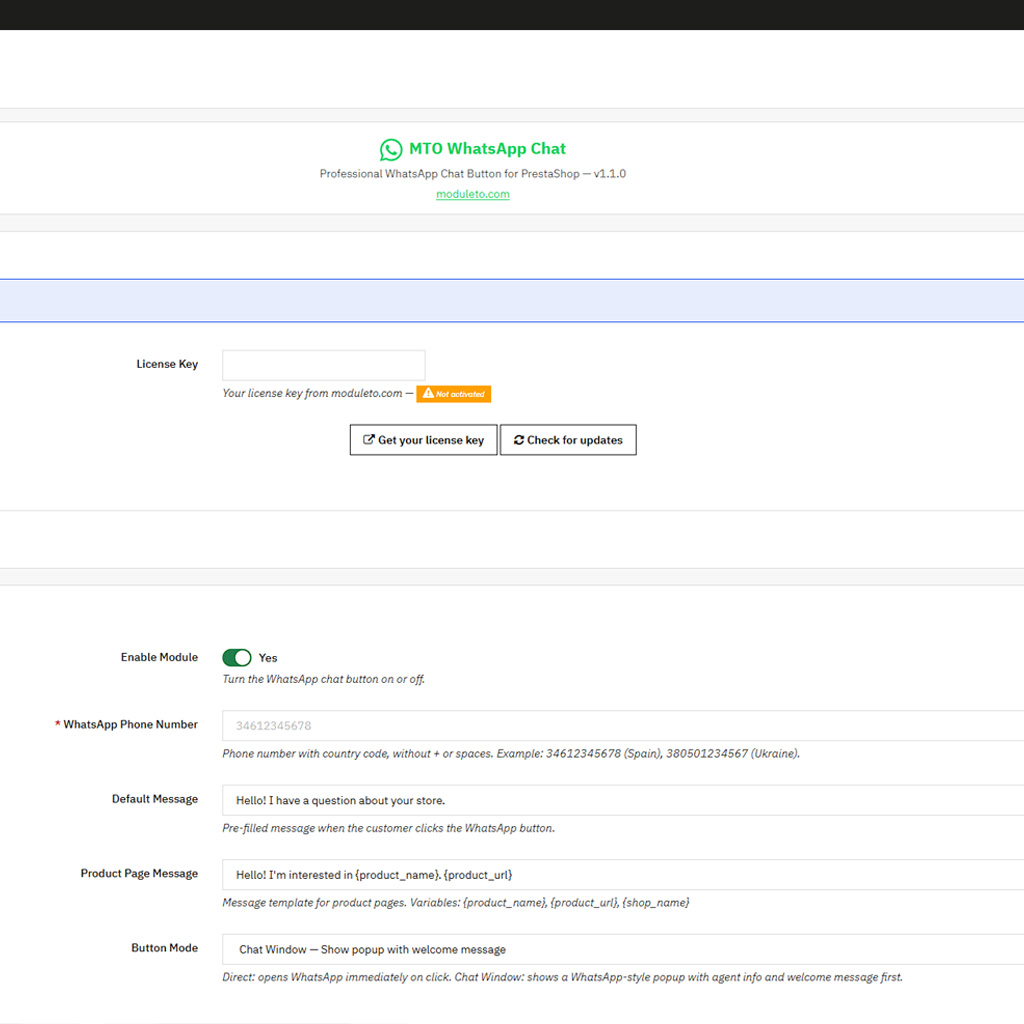
- Smart pre-filled messages with product name and URL variables
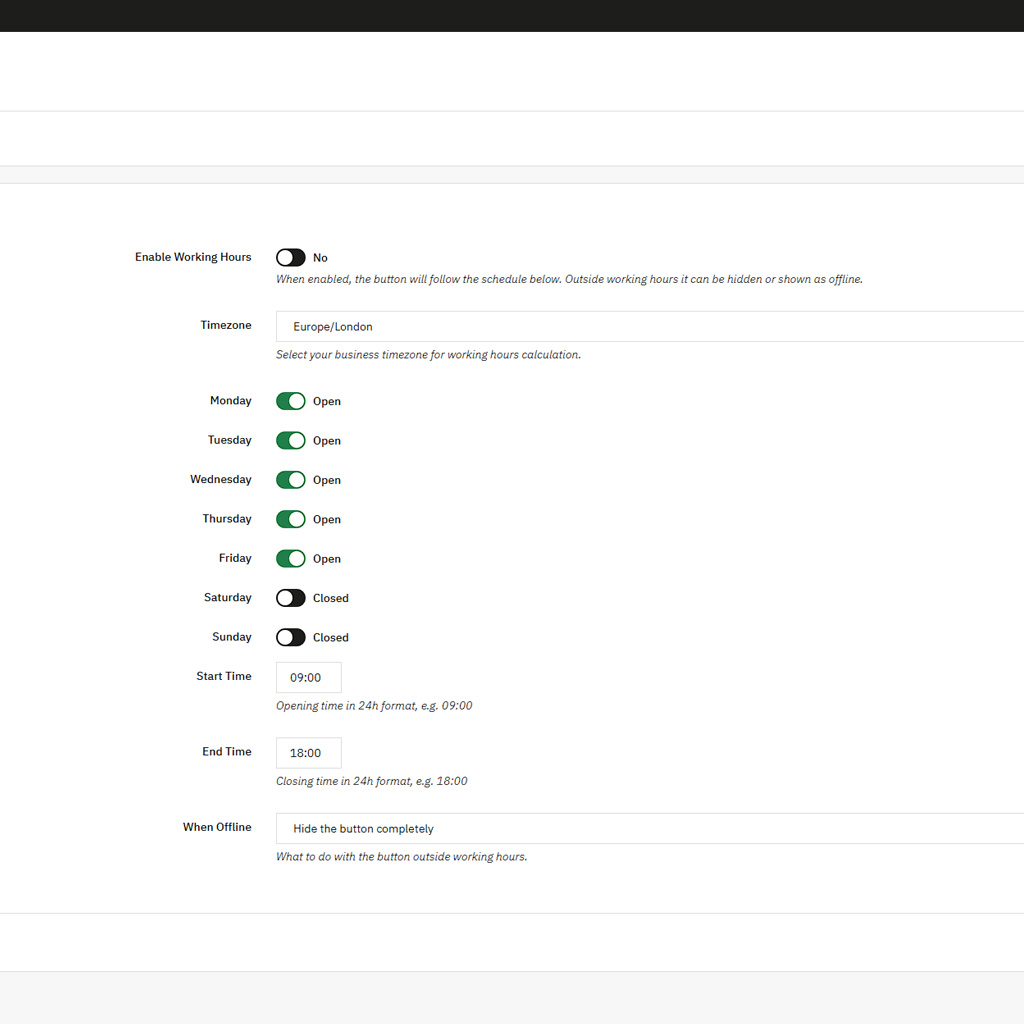
- Working hours schedule — auto-hide or show “Offline” outside business hours
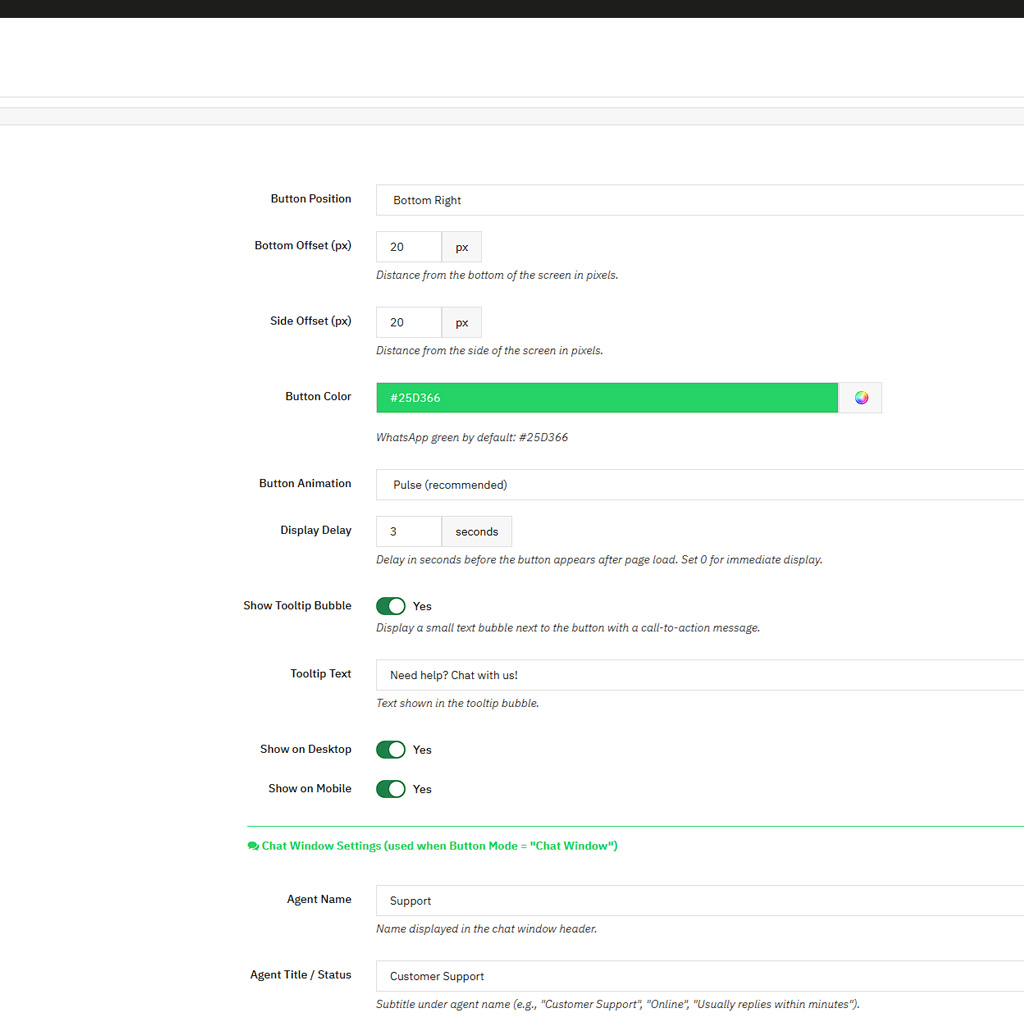
- Fully customizable: colors, position, animation, delays, device visibility
- Compatible with PrestaShop 1.7, 8, and 9 — no overrides, no conflicts
Includes license activation, automatic update notifications, and one-click upgrades from the PrestaShop Module Manager.
Description
Connect With Your Customers Instantly via WhatsApp
WhatsApp is the world’s most popular messaging app, and your customers already use it every day. With the MTO WhatsApp Chat module for PrestaShop, you can add a professional floating chat button to your storefront — giving shoppers a direct line to your support team without leaving your website. Whether they have a question about a product, need help with an order, or simply want to reach you quickly, one tap is all it takes.
Unlike basic WhatsApp link buttons, this module offers a complete chat experience. Choose between a direct WhatsApp redirect or an interactive popup chat window that looks and feels like the real WhatsApp interface — complete with agent name, avatar, status indicator, and a welcome message. This professional approach builds trust and encourages customers to start a conversation.
Smart Messages That Know What Your Customer Is Looking At
One of the most powerful features of MTO WhatsApp Chat is its context-aware messaging system. When a customer clicks the chat button on a product page, the pre-filled message automatically includes the product name and URL. This means your support team immediately knows what the customer is interested in — no back-and-forth needed.
Use the following variables in your message templates:
{product_name}— inserts the current product title{product_url}— inserts the direct link to the product page{shop_name}— inserts your store name
All text fields support multiple languages, so international customers see messages in their own language.
Working Hours — Show the Button Only When You’re Available
Nothing frustrates customers more than sending a message and waiting hours for a reply. With the built-in working hours scheduler, you control exactly when the WhatsApp button appears on your store:
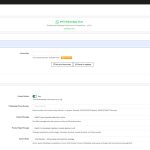
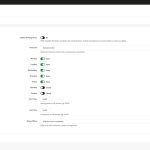
- Set your timezone, working days (Monday–Sunday toggles), and start/end times
- Auto-hide the button completely outside business hours, or
- Show with “Offline” status — customers still see the button but know you’re away
This feature helps you set the right expectations and maintain a professional image for your store.
Fully Customizable Appearance
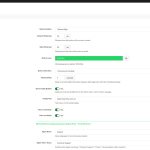
Every store is different, and MTO WhatsApp Chat adapts to yours. From the Back Office you can configure:
- Button position — bottom-right or bottom-left, with pixel-perfect offset control
- Button color — WhatsApp green by default, or any color to match your brand
- Animations — pulse, bounce, or none
- Display delay — show the button X seconds after page load
- Tooltip bubble — a call-to-action message next to the button
- Device targeting — show/hide on desktop and mobile independently
- Agent details — name, title, avatar, and welcome message for the Chat Window mode
Lightweight, Fast, and Conflict-Free
Performance matters. MTO WhatsApp Chat loads a single small CSS file and uses inline JavaScript — no jQuery dependencies, no external scripts, no third-party tracking. The module uses zero overrides, so it works cleanly alongside any theme and any other modules you have installed.
Works With PrestaShop 1.7 Through 9
Built and tested for the full range of modern PrestaShop versions. Whether you’re running a 1.7 store or have already upgraded to PrestaShop 9, the module installs and configures identically. Translation support uses trans() on PS 9+ and falls back to Module::l() on older versions automatically.
Automatic Updates and License Management
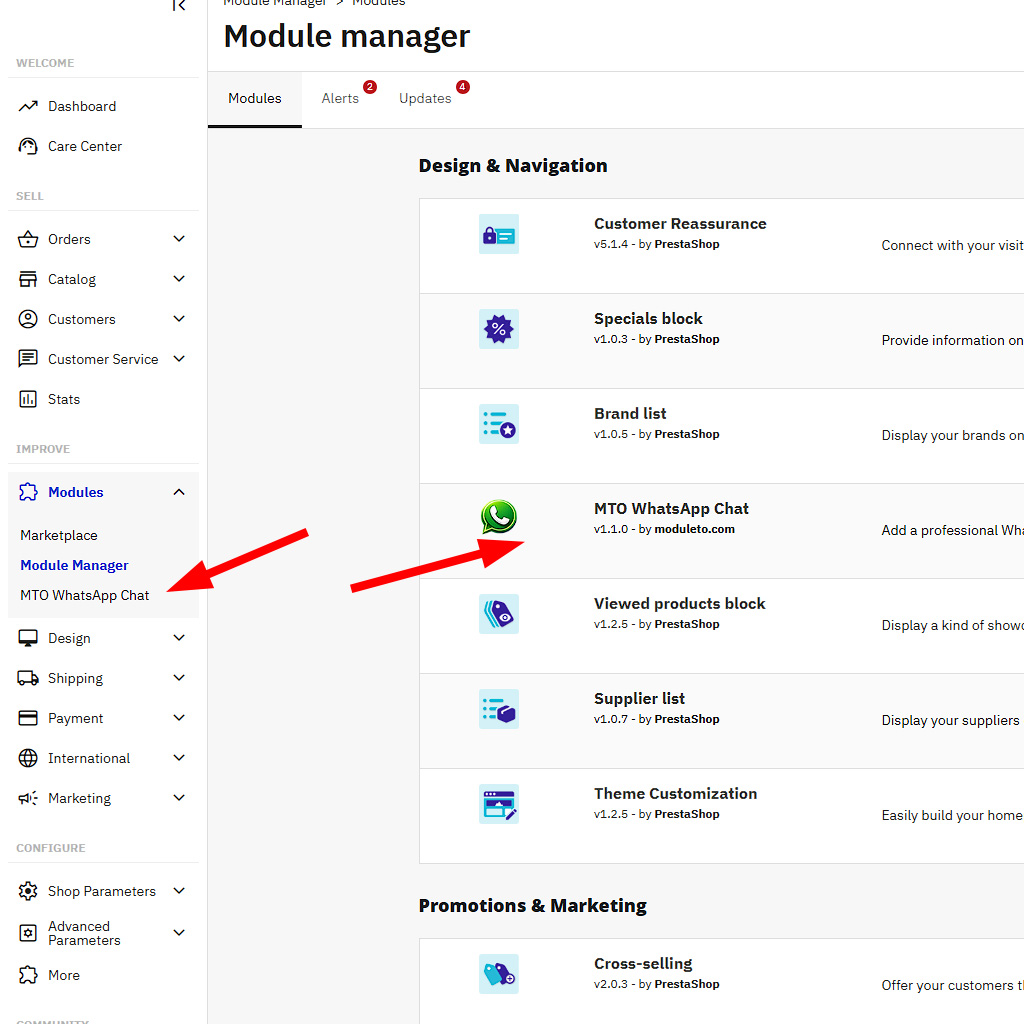
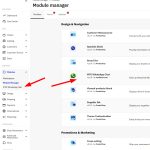
Every purchase includes access to future updates. The module connects to the moduleto.com API to check for new versions — and when one is available, you’ll see an “Upgrade Available” button right in the PrestaShop Module Manager. Click it, and the module upgrades itself with an automatic backup of your current version. No manual downloads, no FTP uploads.
What’s Included
- Full module source code (no ioncube, no encryption)
- License for one live PrestaShop store
- Automatic updates via Module Manager
- Translations: English, French, Spanish, German, Italian, Polish
- Detailed README with installation and configuration guide
- Support via moduleto.com
Technical Specifications
| PrestaShop | 1.7.x, 8.x, 9.x |
| PHP | 7.4 – 8.3+ |
| Multistore | Yes |
| Overrides | None |
| External dependencies | None on front-end |
| Database tables | None (configuration only) |
| Current version | 1.1.0 |
Reviews (0)
You must be logged in to post a review.
Shipping & Delivery
Related products


YouTube Video Feed PrestaShop Module
Showcase your latest YouTube videos anywhere in your PrestaShop store with this powerful and easy-to-use module. Choose between grid or slider layouts, customize columns, enable autoplay, and support multiple display positions. No coding required. Fully responsive and compatible with PrestaShop 1.7, 8, 9. Perfect for boosting engagement and sales!

Reviews
There are no reviews yet.