



MTO Estimated Delivery — PrestaShop Delivery Date & Countdown Module
49,00 $
Description
Turn Browsers Into Buyers With Delivery Date Transparency
Online shoppers want to know one thing before they click “Add to Cart”: when will I get it? Studies consistently show that displaying estimated delivery information on product pages increases conversion rates by 15–25%. With the MTO Estimated Delivery module for PrestaShop, you give customers that answer — and you create urgency at the same time.
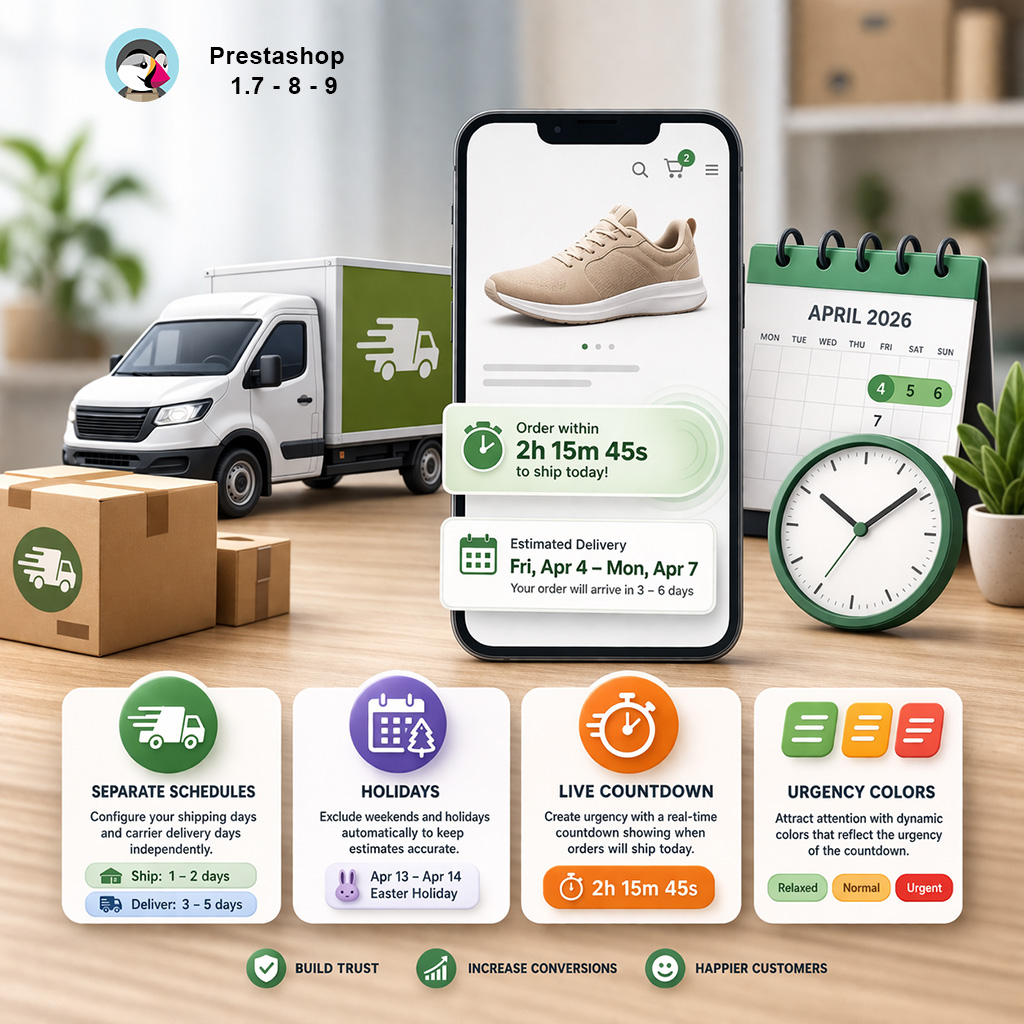
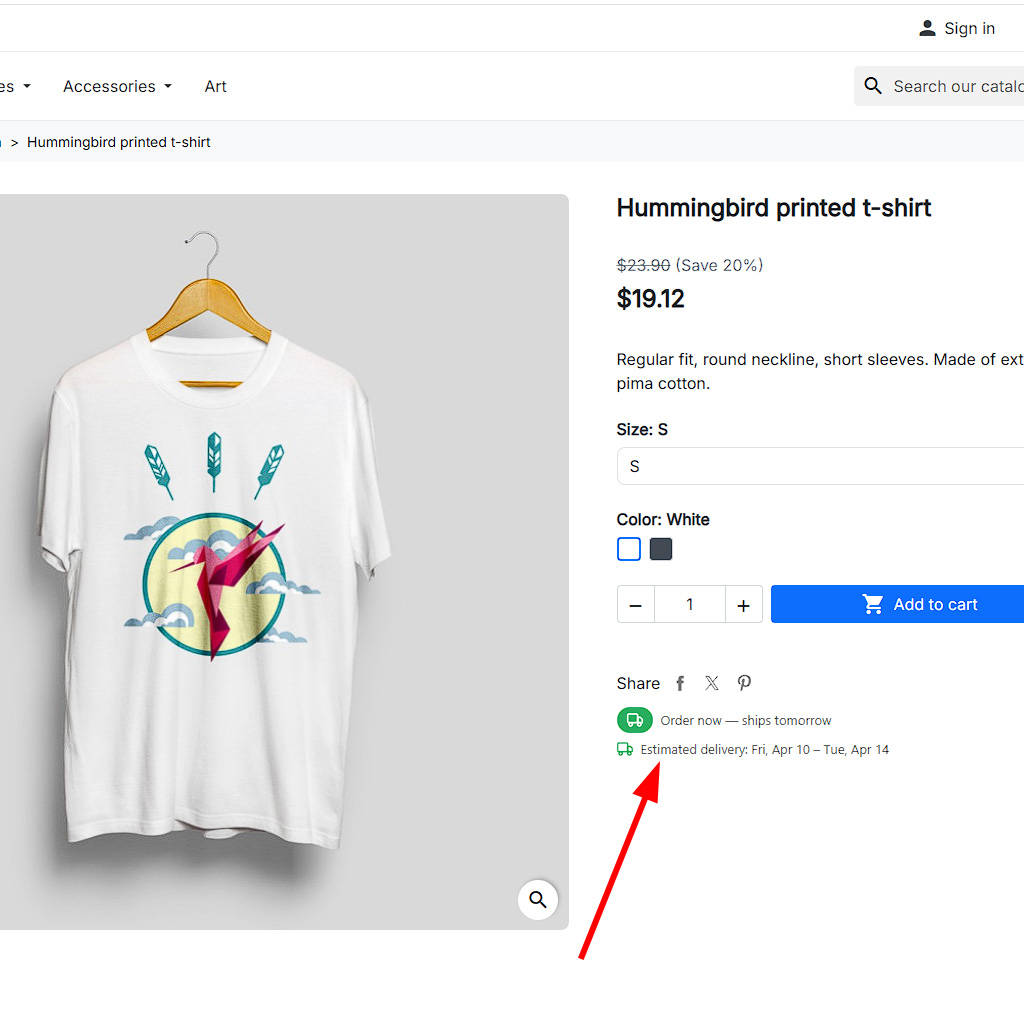
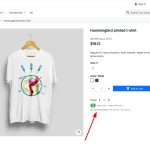
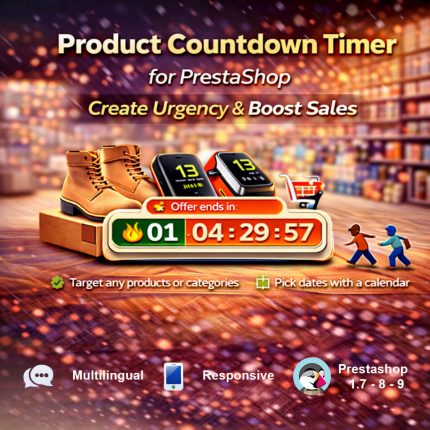
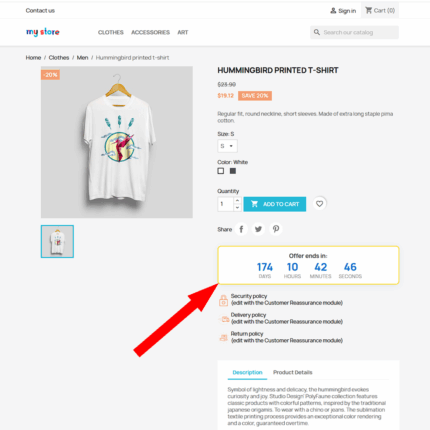
The module shows two elements directly on the product page: a live countdown timer (“Order within 2h 15min to ship today!”) and a delivery date range (“Estimated delivery: Fri, Apr 4 – Mon, Apr 7”). Together, they combine urgency (“I need to order now!”) with trust (“I know exactly when it arrives”). This powerful combination drives faster purchase decisions and reduces cart abandonment.
Live Countdown That Creates Real Urgency
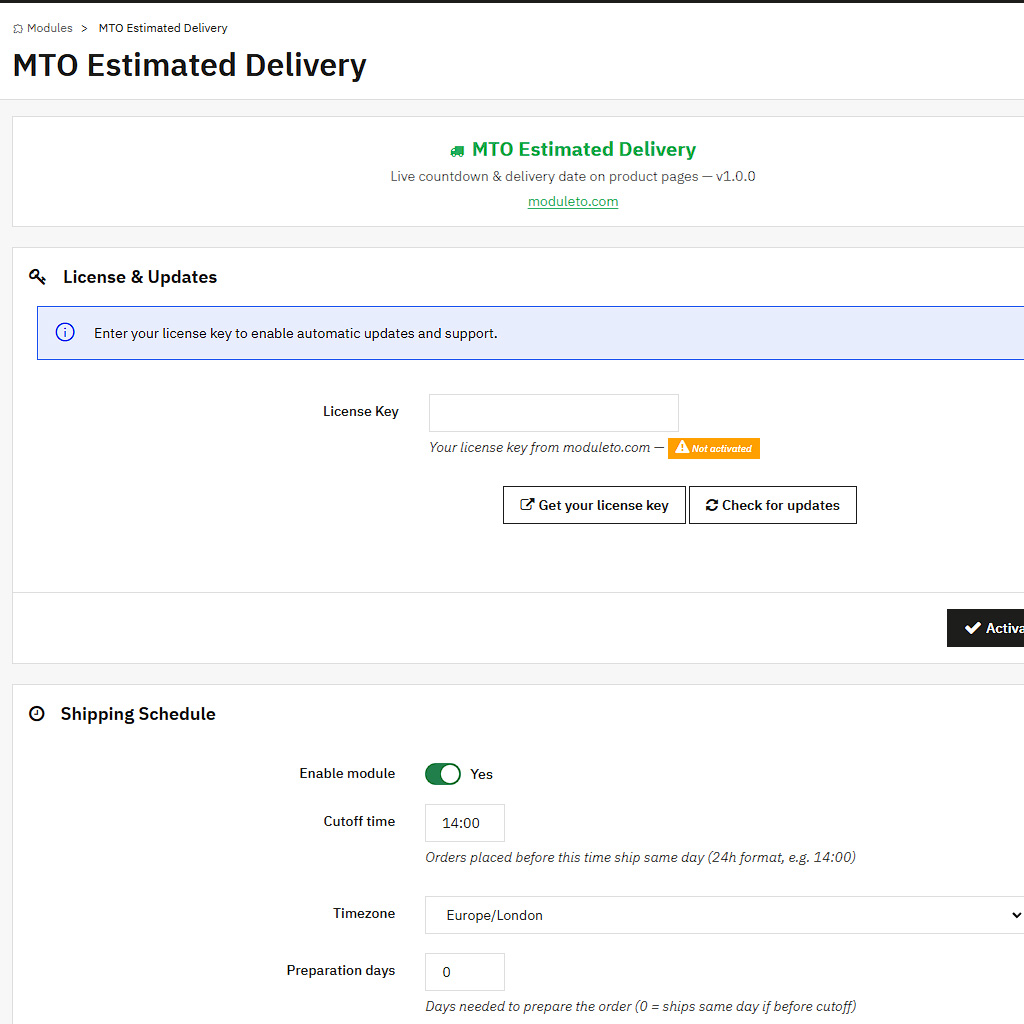
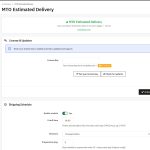
The countdown timer is the heart of this PrestaShop estimated delivery module. Set your daily shipping cutoff time — for example, 2:00 PM — and the module automatically calculates how much time shoppers have left to place an order for same-day dispatch. The timer updates every second, creating a real sense of urgency that static text simply cannot match.
When the remaining time drops below two hours, the module shifts into urgency mode: the green countdown badge turns red and starts pulsing. This visual change immediately grabs attention and motivates customers to complete their purchase before the deadline passes.
After the daily cutoff, the countdown disappears and is replaced with a message like “Order now — ships tomorrow” (or the next available business day). The module always provides helpful information, regardless of the time of day.
Accurate Delivery Estimates With Business Day Logic PrestaShop estimated delivery module
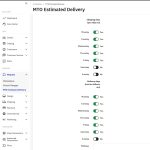
Unlike simplistic “ships in 3 days” plugins, MTO Estimated Delivery uses a proper business day calculation engine. The module considers three separate factors:
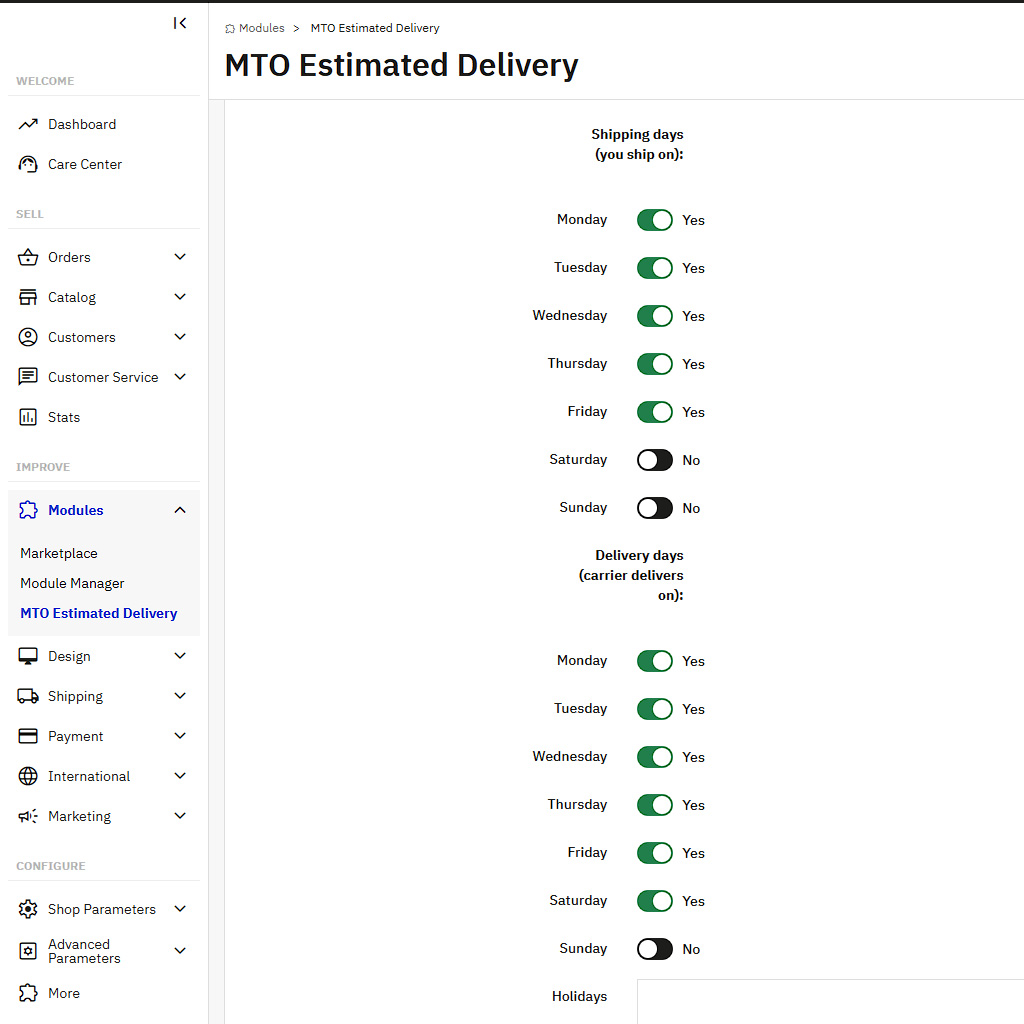
- Your shipping schedule — set exactly which days of the week you process and ship orders (e.g., Monday–Friday)
- Carrier delivery schedule — separately configure which days the carrier delivers (e.g., Monday–Saturday)
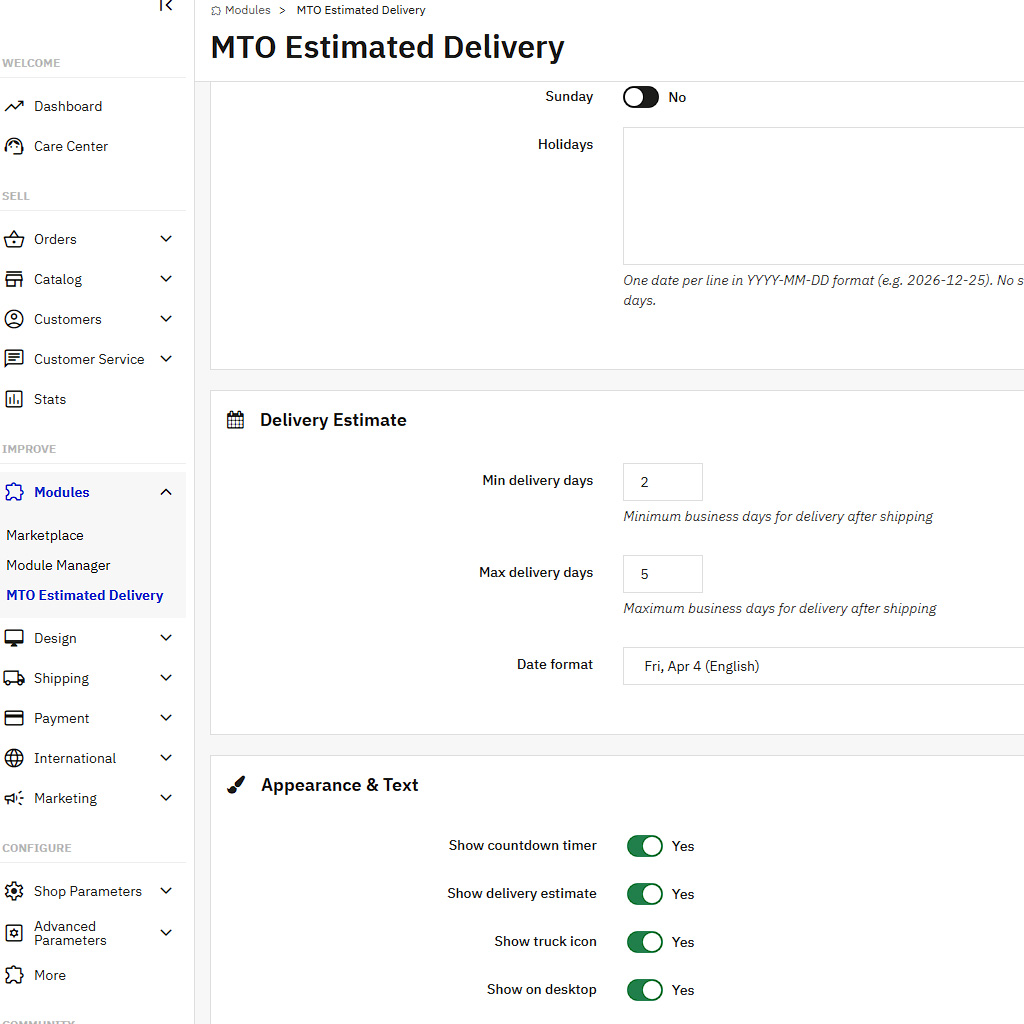
- Holidays and exclusions — add custom dates like Christmas, national holidays, or company closures that should be skipped in both calculations
This three-layer approach produces delivery estimates that are genuinely realistic. A customer ordering on Friday afternoon with a Saturday carrier delivery will see a different estimate than one ordering Monday morning — because the calculation accounts for your actual workflow.
Configurable Date Range — Not a Single Guess
No delivery service can guarantee an exact day every time. That is why MTO Estimated Delivery shows a date range — for instance, “Fri, Apr 4 – Mon, Apr 7” — based on your minimum and maximum delivery windows. This sets realistic expectations and avoids the disappointment that comes from a single overly optimistic date.
Choose from multiple date formats to match your market: US format (04/04/2026), European format (04.04.2026), or natural language format (Fri, Apr 4). All dates are automatically translated when shoppers view your store in a different language.
Customizable Text Templates With Smart Variables PrestaShop estimated delivery module
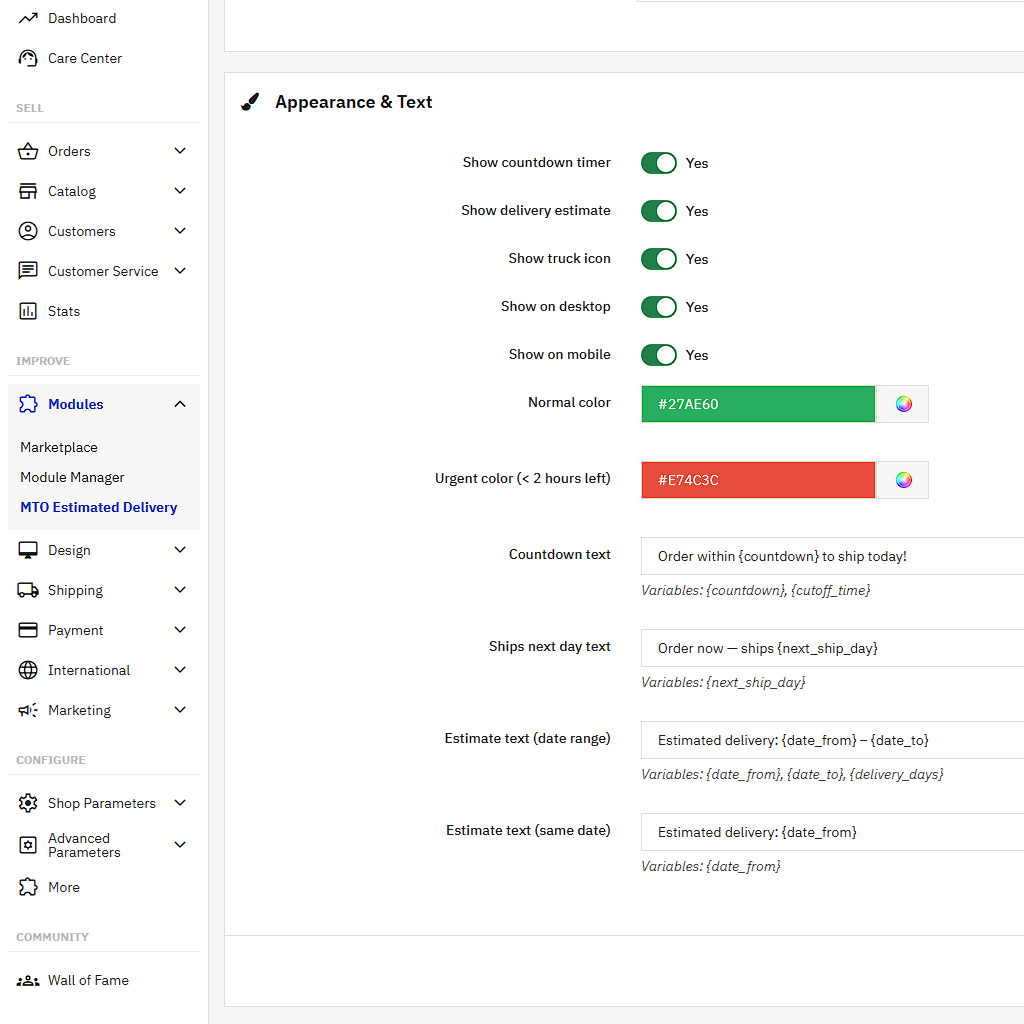
Every piece of text displayed by the module is fully customizable and supports multiple languages. Use built-in variables to create dynamic messages:
{countdown}— live countdown (e.g., “2h 15min”){cutoff_time}— your daily cutoff (e.g., “14:00”){next_ship_day}— “tomorrow” or day name (e.g., “Monday”){date_from}and{date_to}— delivery date range endpoints{delivery_days}— day count range (e.g., “2–5”)
Mix and match variables to create the perfect message for your brand voice and your customers’ expectations.
Compact, Minimal Design That Fits Any Theme
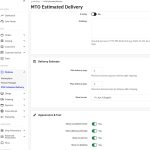
The delivery block uses a compact badge design that integrates naturally into any PrestaShop theme without looking out of place. A small green pill shows the countdown timer, and a truck icon accompanies the delivery estimate below. The module uses inline SVG icons — no external font libraries, no extra HTTP requests, no visual clutter.
You can show or hide the countdown, the delivery estimate, and the truck icon independently. Desktop and mobile visibility toggles let you optimize the experience for each screen size. Two configurable colors (normal and urgent) give you control over how the module matches your brand identity.
Lightweight and Conflict-Free
MTO Estimated Delivery stores all settings in PrestaShop’s built-in Configuration table — no custom database tables are created. The front-end footprint is tiny: one small CSS file and one minimal JavaScript file for the countdown animation. No jQuery dependency, no external scripts, no third-party tracking. The module uses zero overrides, so it will not conflict with your theme or other modules.
What’s Included
- Full module source code (no encryption)
- License for one live PrestaShop store
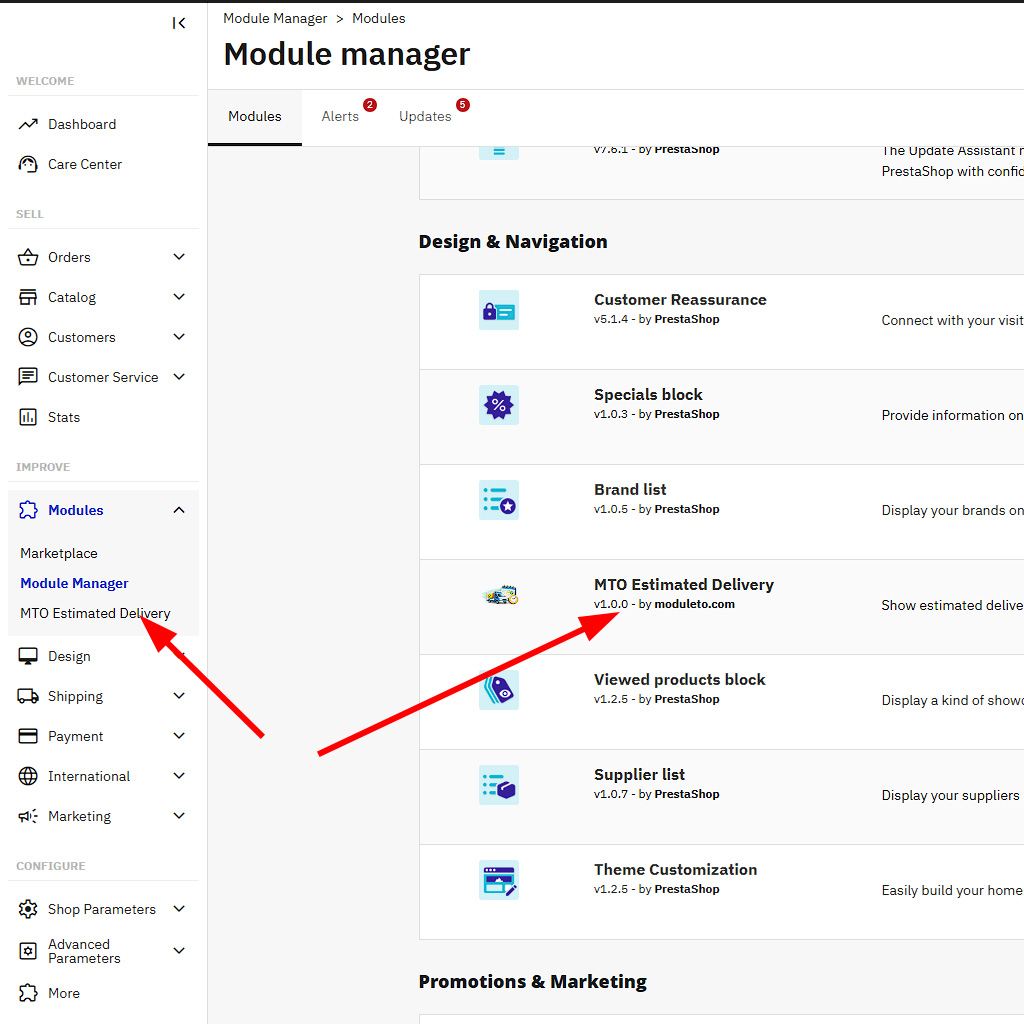
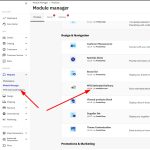
- Automatic updates via Module Manager
- Translations: English, French, Spanish, German, Italian, Polish
- 30-day money-back guarantee
- Compatible with PrestaShop 1.7, 8, and 9
- PHP 7.4 – 8.3+ support
Reviews (0)
You must be logged in to post a review.
Shipping & Delivery
Related products

MTO Smart Product Labels — PrestaShop Product Badges & Stickers Module
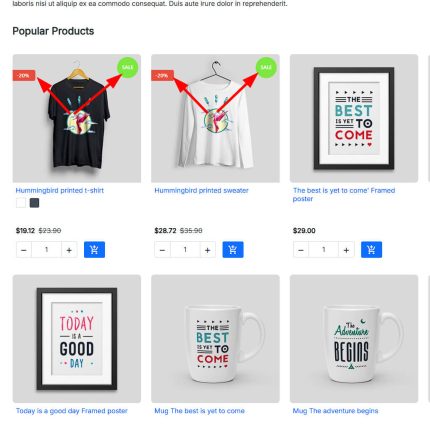
Display eye-catching labels, badges, and stickers on your PrestaShop product images. MTO Smart Product Labels is a powerful PrestaShop product labels module with 10 smart auto-rule types that automatically assign labels like New, Sale, Bestseller, and Low Stock — no manual work required.
Key highlights:
- 10 smart auto-rules: New, On Sale, Discount %, Bestseller, Low Stock, Category, Manufacturer, Supplier, Feature, Price Range
- Dynamic
{discount}variable — shows actual discount percentage (e.g., "-25%") - 4 shapes × 4 positions × 2 animations + custom image labels
- Date scheduling: show labels only during Black Friday, Christmas, etc.
- Compatible with PrestaShop 1.7, 8, and 9 — no overrides, theme-agnostic

MTO Social Proof — Product Page Content
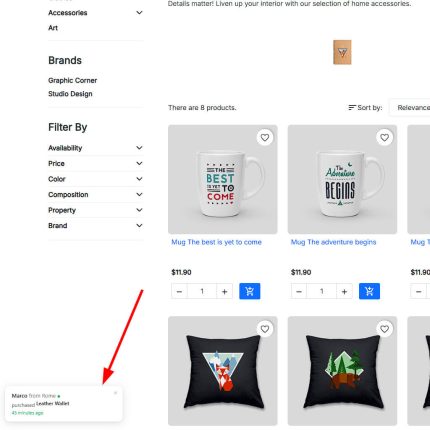
Display recent purchase notification popups on your PrestaShop store to create instant social proof and FOMO. MTO Social Proof is a lightweight PrestaShop social proof module that shows "Anna from Berlin purchased Hummingbird T-shirt — 3 minutes ago" popups, encouraging visitors to buy now.
Key highlights:
- Real orders from your store database — or virtual (fake) notifications for new stores
- Mixed mode: combine real and virtual for maximum impact
- Product thumbnail, customer name, city, and "X minutes ago" in each popup
- Click popup → go to product page (drives traffic to products)
- Configurable timing: show duration, interval, initial delay, max popups per visit
- Customer name privacy: full name, first name only, or initials
- Exclude pages: hide on cart, checkout, account pages
- Compatible with PrestaShop 1.7, 8, and 9 — no overrides


MTO WhatsApp Chat — Product Page Content
Add a professional WhatsApp chat button to your PrestaShop store and let customers reach you in one tap. MTO WhatsApp Chat is a lightweight PrestaShop WhatsApp chat module that displays a floating button with an optional popup chat window — just like the real WhatsApp interface.
Key highlights:
- Two modes: Direct WhatsApp link or interactive Chat Window with agent info
- Smart pre-filled messages with product name and URL variables
- Working hours schedule — auto-hide or show "Offline" outside business hours
- Fully customizable: colors, position, animation, delays, device visibility
- Compatible with PrestaShop 1.7, 8, and 9 — no overrides, no conflicts


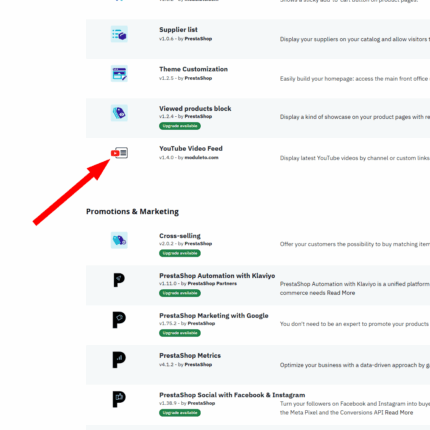
YouTube Video Feed PrestaShop Module
Showcase your latest YouTube videos anywhere in your PrestaShop store with this powerful and easy-to-use module. Choose between grid or slider layouts, customize columns, enable autoplay, and support multiple display positions. No coding required. Fully responsive and compatible with PrestaShop 1.7, 8, 9. Perfect for boosting engagement and sales!

Reviews
There are no reviews yet.