

New


PrestaShop Order Status Automation & Bulk Change | MTO StatusPilot
59,00 $
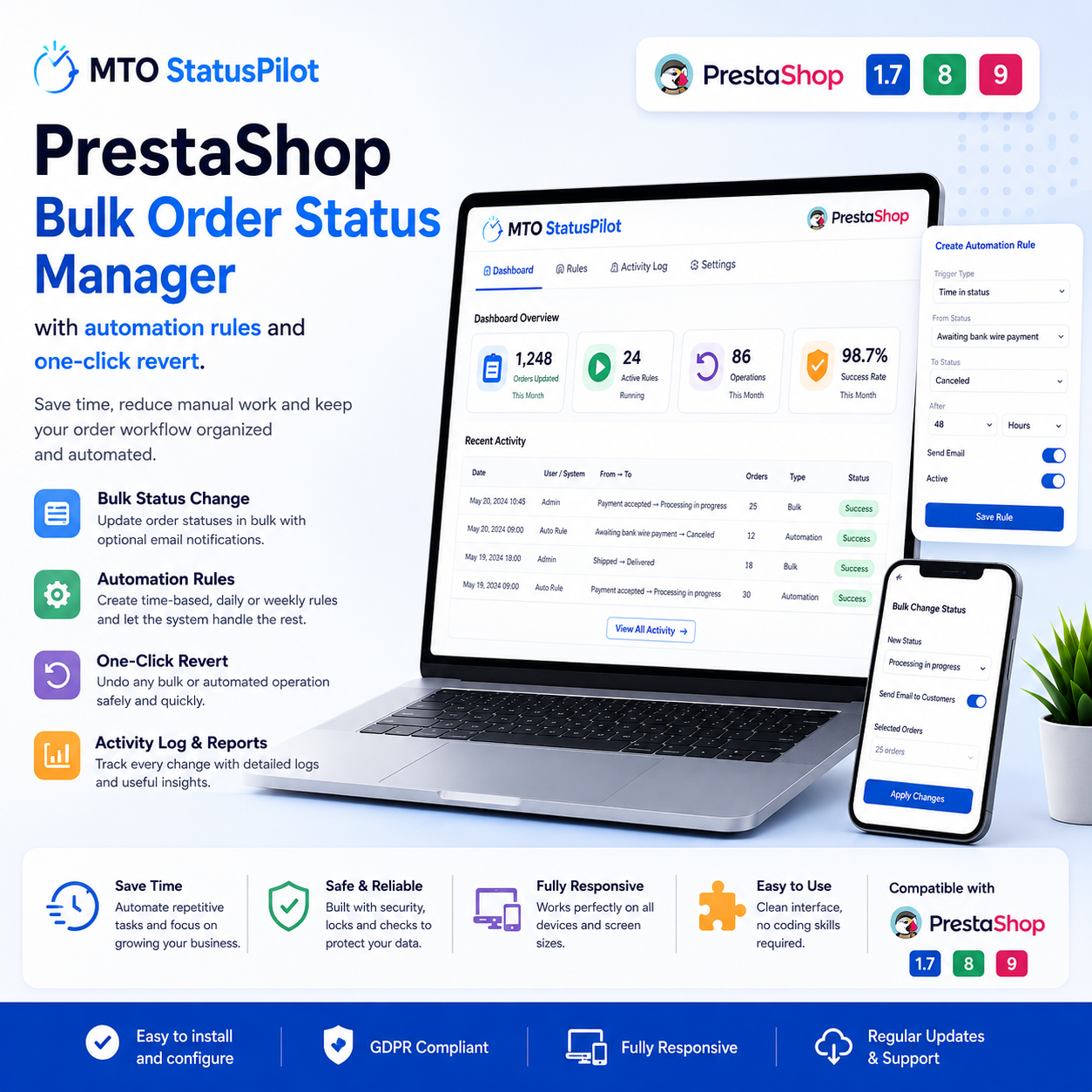
Automate and bulk-change PrestaShop order statuses with time-based rules, daily and weekly schedules, and one-click revert. Save hours of manual order management. Works on PrestaShop 1.7–9.
Description
Stop changing order statuses one by one
Managing order statuses by hand is a quiet time-sink in any PrestaShop store. Every order stuck in “Payment accepted” needs a click. Every batch heading to “Shipped” needs another. When you repeat this hundreds of times a month, the hours add up fast. MTO StatusPilot turns that repetitive work into rules that run on their own, so your order workflow keeps moving whether you are at your desk or not.
Bulk-change statuses in one click
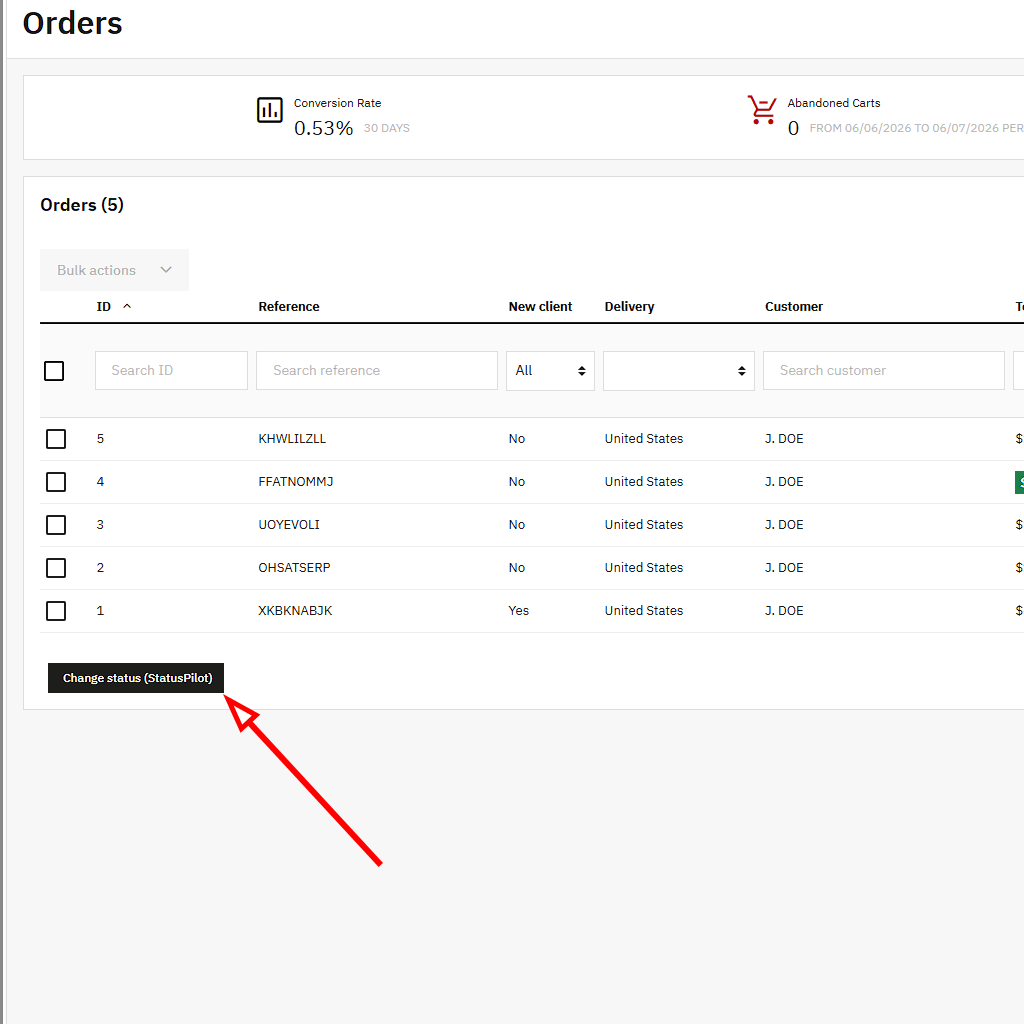
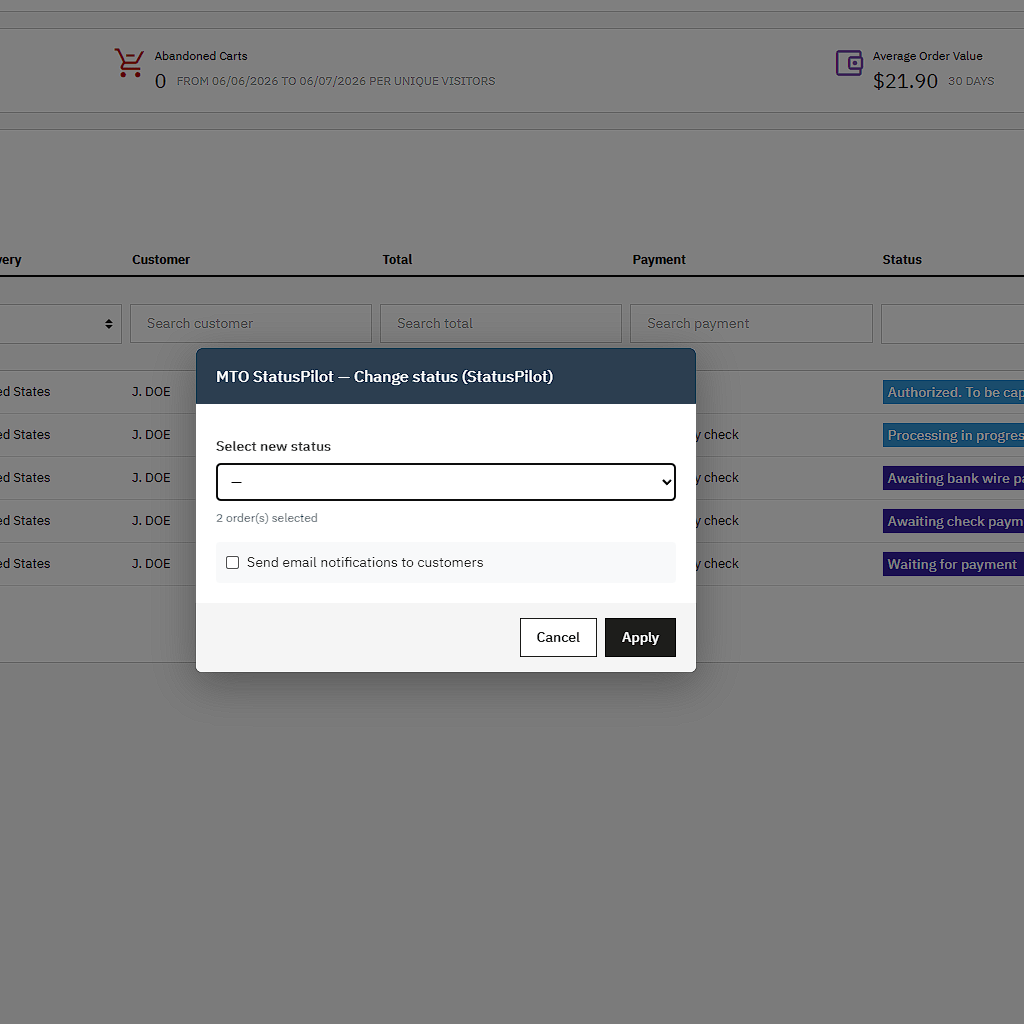
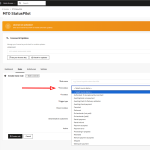
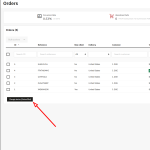
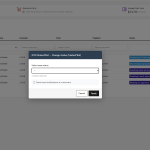
Sometimes you just need to move many orders at once. So StatusPilot adds a bulk action straight into the native PrestaShop Orders page. You select any number of orders, choose the target status, and confirm. Then the whole selection updates together. Every change is recorded, so you always know what happened and when.
Here is what the bulk action gives you:
- One-click status change for any number of selected orders
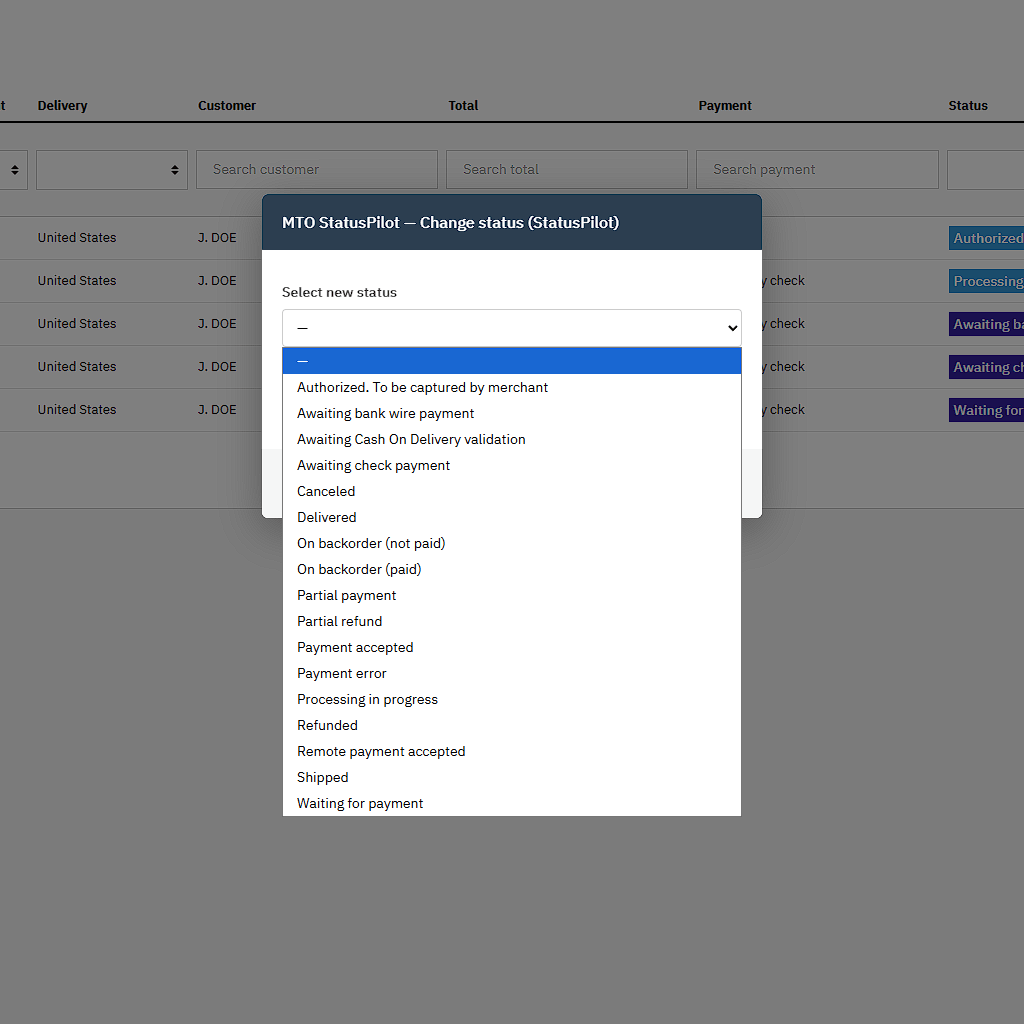
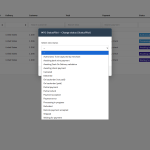
- A target-status picker that lists every PrestaShop order state
- Optional email suppression, so customers are not flooded with notifications
- A full log entry for each order, ready to revert
Automate with time-based rules
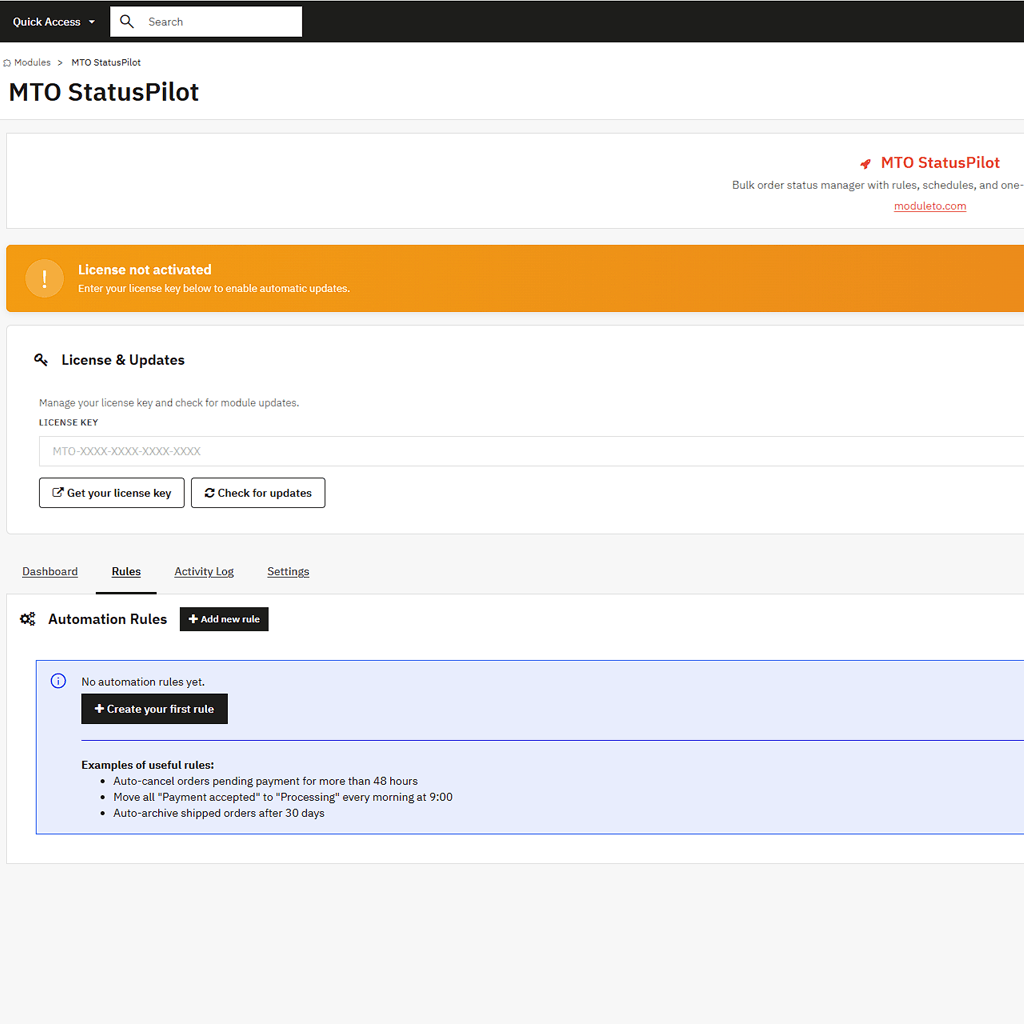
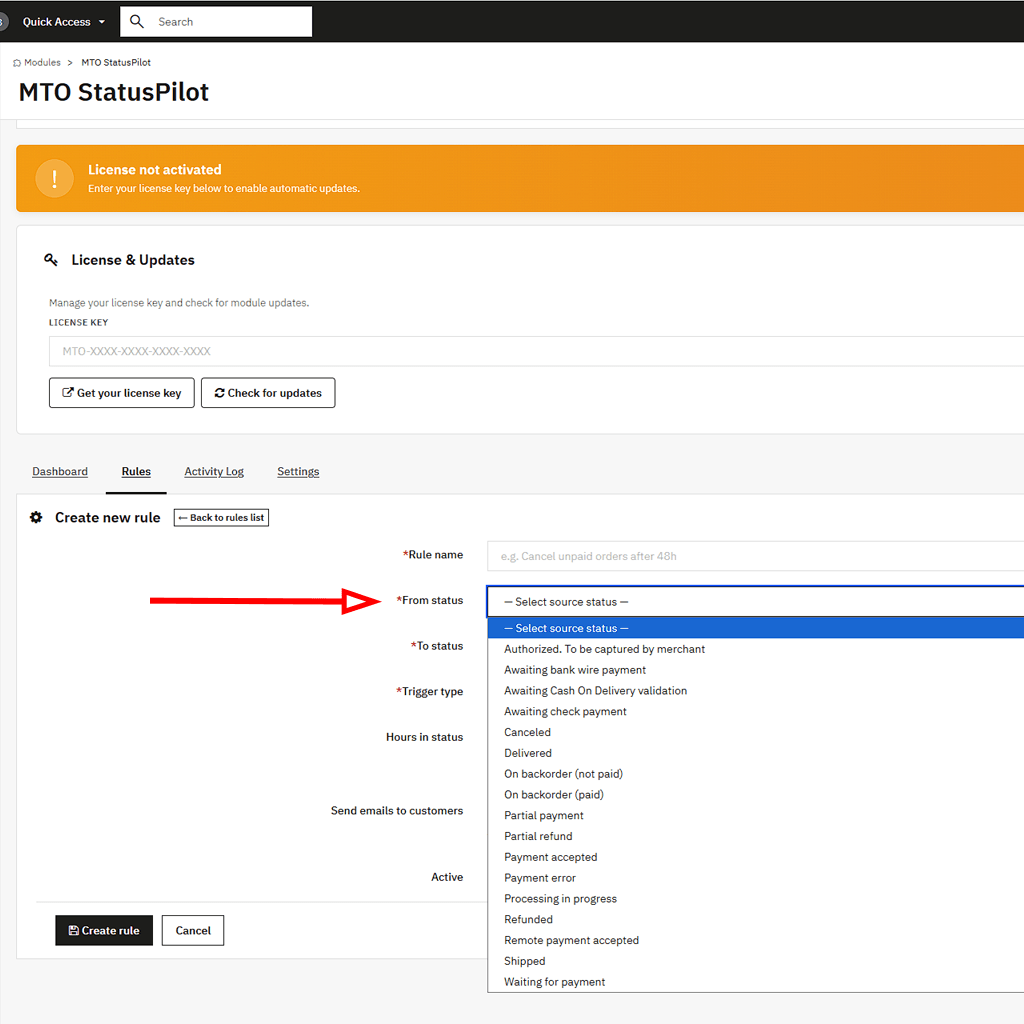
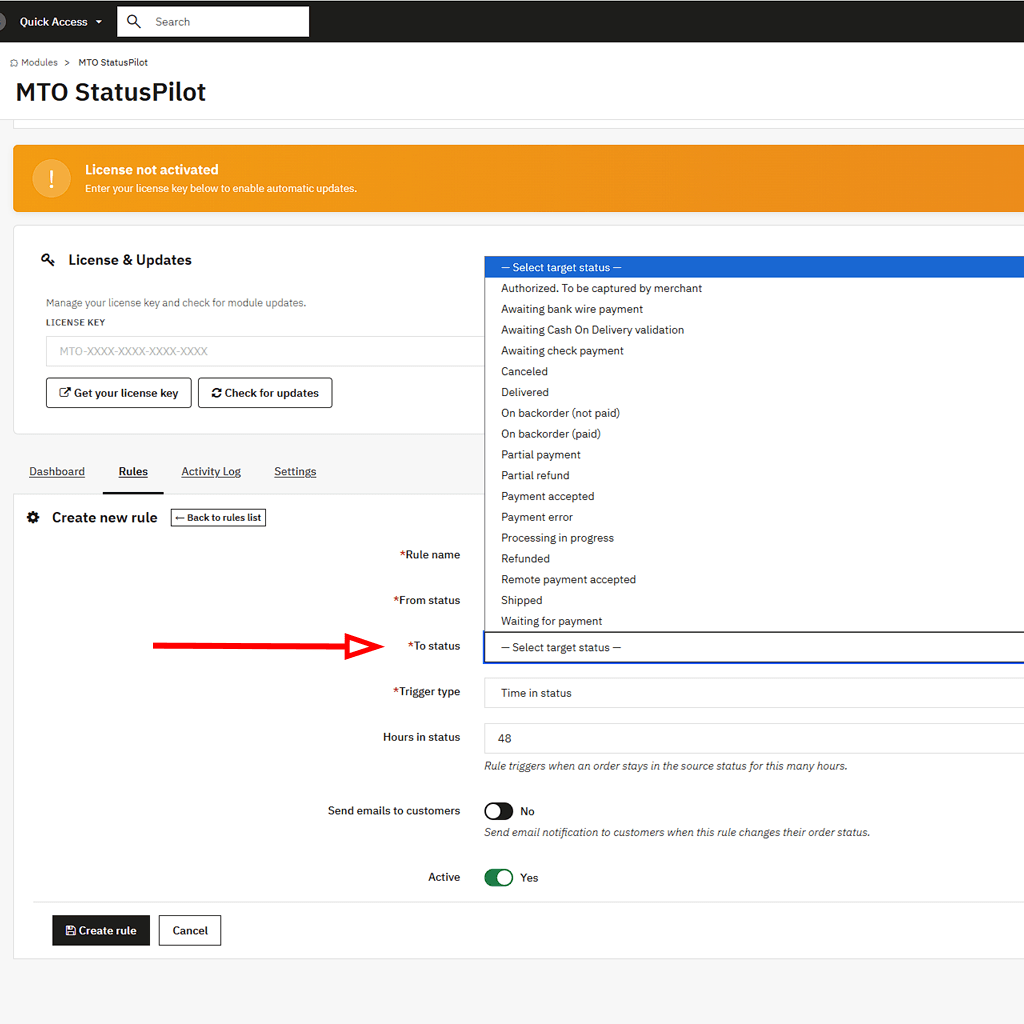
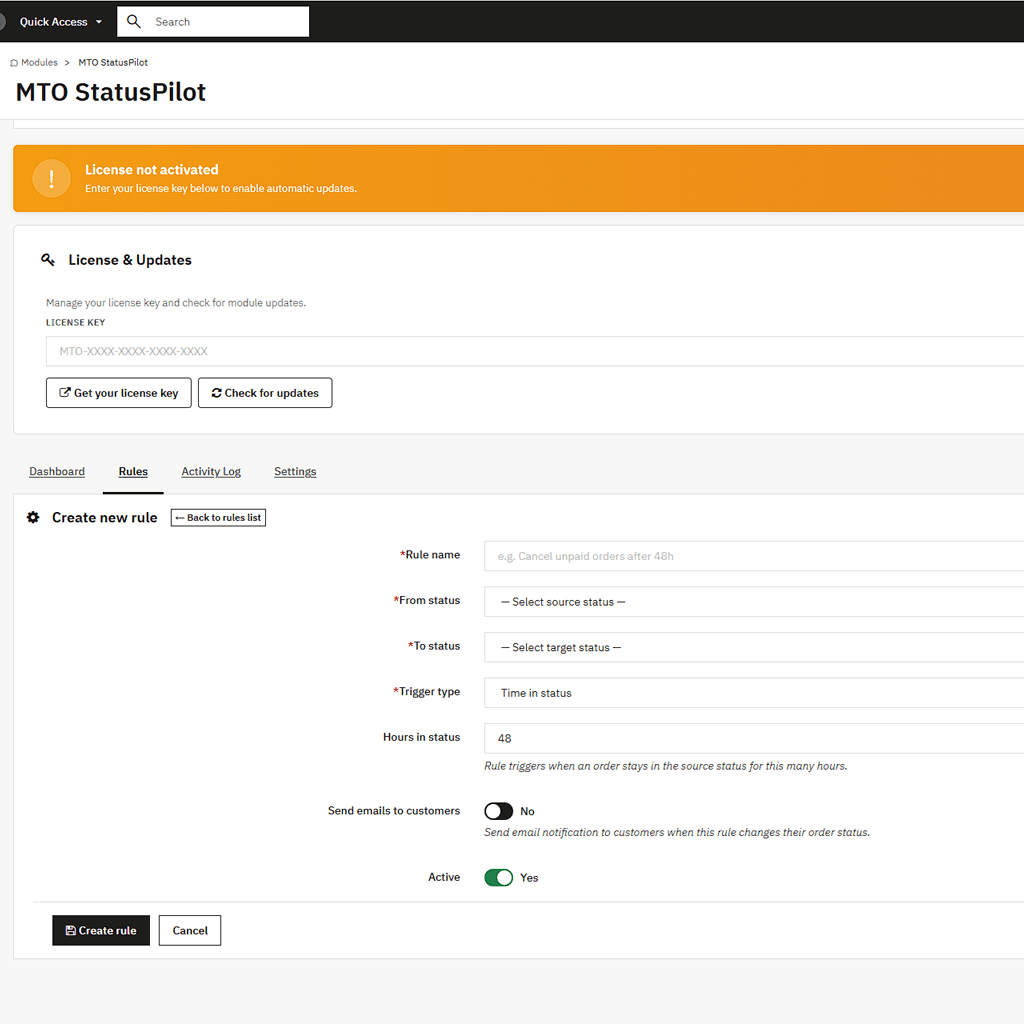
The rule engine is the heart of StatusPilot. You define a condition, and the module applies it automatically. For example, you can say: if an order stays in “Payment accepted” for more than 48 hours, move it to “Preparation in progress”. Because rules react to how long an order sits in a status, your workflow keeps itself tidy without anyone watching the queue.
Schedule daily and weekly status changes
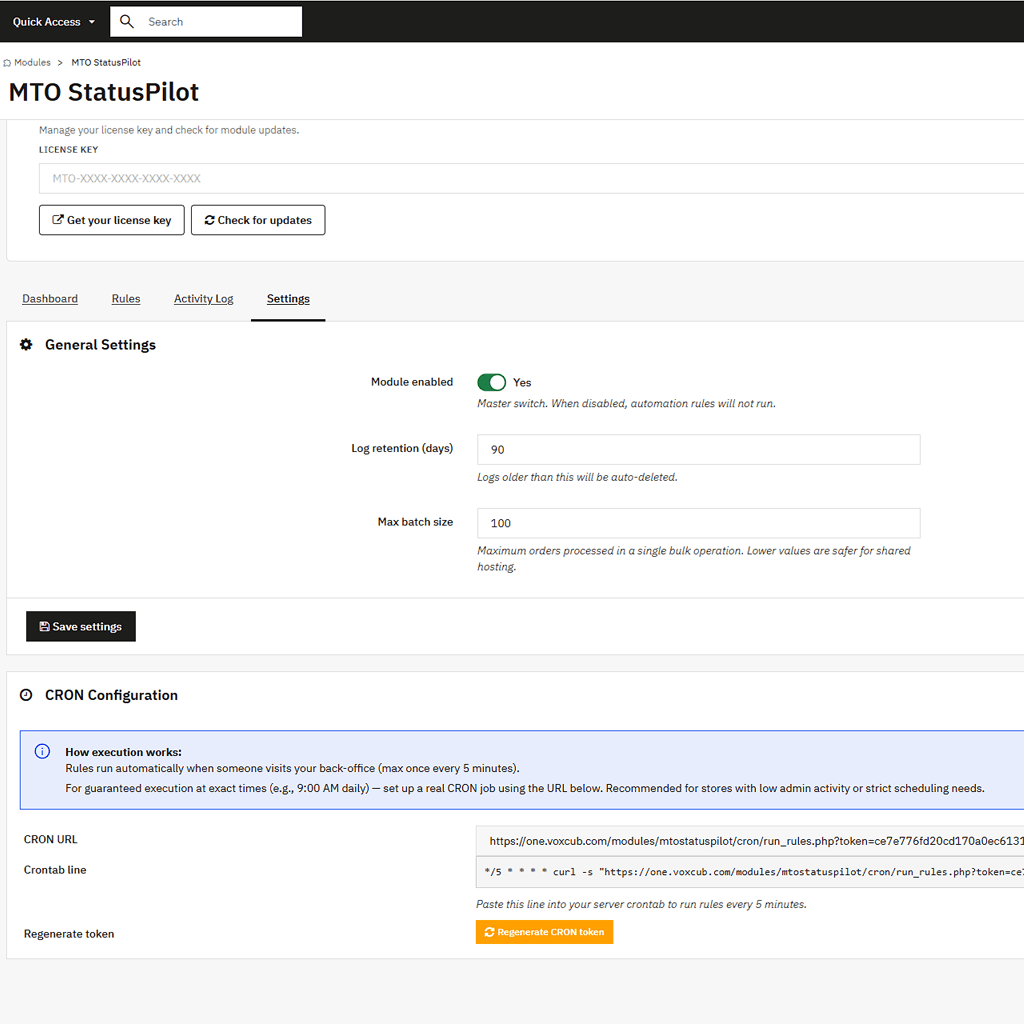
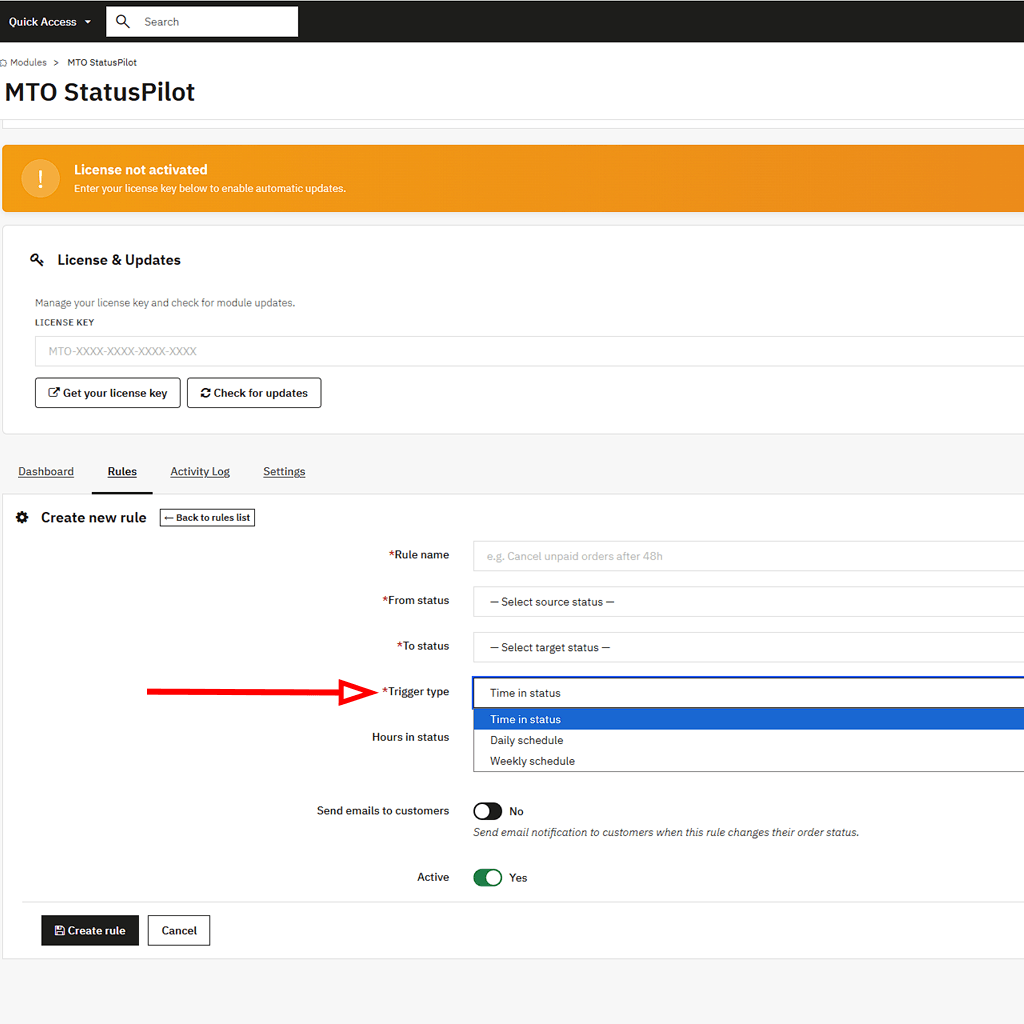
Time-in-status triggers are not the only option. StatusPilot also supports scheduled rules that fire daily or weekly. So you can sweep up stale orders every morning, close unpaid carts at the end of each week, or push fulfilled orders to “Shipped” on a fixed rhythm. The scheduling runs through a hybrid CRON system. As a result, it works on standard hosting without extra setup, and it can also connect to a real server CRON when you need precise timing.
Every change is logged and reversible
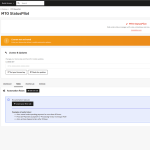
Automation feels safe only when you can undo it. So StatusPilot keeps a complete activity log of every change it makes. The log records which order moved, from which status, to which status, and exactly when. If a rule moves something it should not have, one click reverts that order to its previous status. Nothing is a black box, and nothing is permanent without your approval.
Built for real multi-store, multi-language shops
StatusPilot is fully multistore-aware. Rules and logs respect the shop context, so a rule made for one store never leaks into another. The interface is available in six languages: English, French, Spanish, German, Italian, and Polish. Because the module supports PrestaShop 1.7, 8, and 9, it covers every modern installation.
Set it up in minutes, not hours
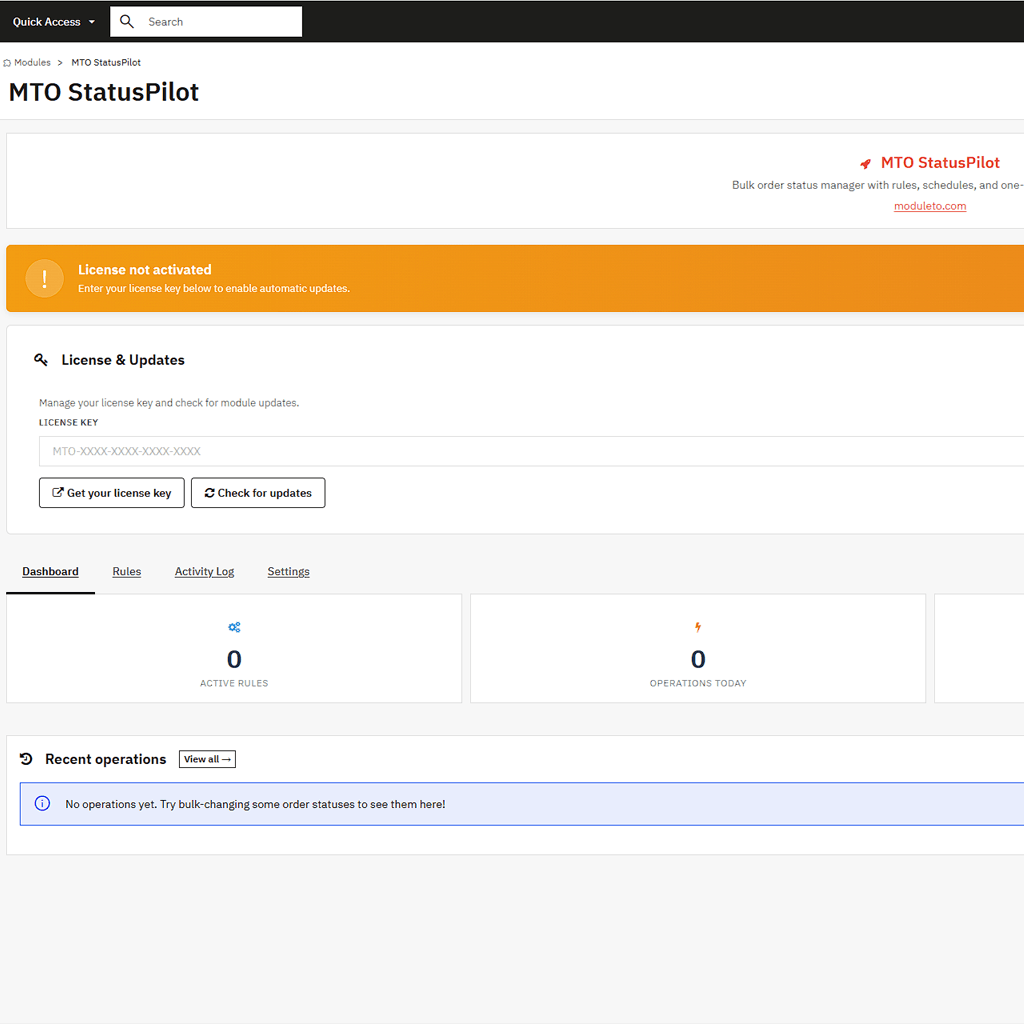
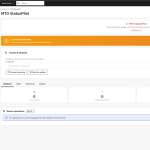
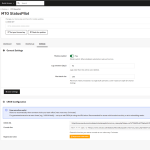
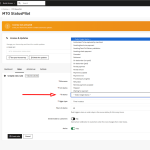
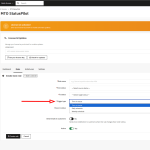
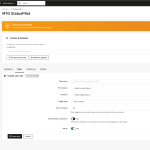
Installation is a standard module upload. After that, the configuration is split into clear tabs: a dashboard, a rules manager, an activity log, and settings. Built-in licensing keeps the module updated automatically from moduleto.com. The License and Updates panel sits at the top of every screen, so you always see your activation and update status at a glance. For agencies running many client stores, StatusPilot removes one of the most tedious daily tasks.
Reviews (0)
You must be logged in to post a review.
Shipping & Delivery
Frequently Asked Questions
What is MTO StatusPilot?
MTO StatusPilot is a PrestaShop module that automates order status changes. It lets store owners bulk-change order statuses in one click, build time-based automation rules, and schedule daily or weekly status updates. It includes a full activity log and one-click revert. It works on PrestaShop 1.7, 8, and 9.
How do I automatically change order status in PrestaShop?
Install MTO StatusPilot and create a rule. For example: if an order stays in "Payment accepted" for more than 48 hours, move it to "Preparation in progress". The module then applies the rule automatically through its hybrid CRON engine, so statuses update without manual work.
How do I bulk-change order statuses in PrestaShop?
MTO StatusPilot adds a bulk action to the native PrestaShop Orders list. You select multiple orders, choose the target status, and apply. All selected orders change at once, and every change is logged so it can be reverted.
Can I undo an automatic status change?
Yes. MTO StatusPilot logs every change with the previous status. A single click reverts any order to its earlier state.
Is it compatible with my PrestaShop version?
MTO StatusPilot supports PrestaShop 1.7, 8, and 9. It works in multistore environments, and it is available in English, French, Spanish, German, Italian, and Polish.
Is PrestaShop Order Status Automation & Bulk Change | MTO StatusPilot compatible with PrestaShop 9?
Yes. PrestaShop Order Status Automation & Bulk Change | MTO StatusPilot is fully compatible with PrestaShop 1.7, 1.7.8, 8.x, and 9.x. The module is tested across versions and updated when PrestaShop releases new minor versions.
Are updates included with PrestaShop Order Status Automation & Bulk Change | MTO StatusPilot?
Yes — lifetime updates are free. New versions arrive directly in the PrestaShop Module Manager and install in one click. There is no recurring fee or subscription.
Does PrestaShop Order Status Automation & Bulk Change | MTO StatusPilot work with custom PrestaShop themes?
Yes. PrestaShop Order Status Automation & Bulk Change | MTO StatusPilot is theme-agnostic and uses no template overrides. It integrates via standard PrestaShop hooks, so it works with the default theme, third-party themes, and custom-built themes.
What is the refund policy for PrestaShop Order Status Automation & Bulk Change | MTO StatusPilot?
PrestaShop Order Status Automation & Bulk Change | MTO StatusPilot comes with a 30-day money-back guarantee. If the module does not meet your expectations within 30 days of purchase, contact Moduleto for a full refund — no questions asked.
Is technical support included with PrestaShop Order Status Automation & Bulk Change | MTO StatusPilot?
Yes. Technical support is provided directly by Moduleto developers in English and French. Average response time is 24 business hours by email.
Related products

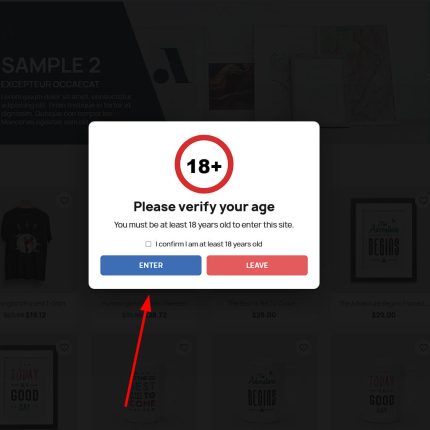
MTO Age Verification — Listing Content
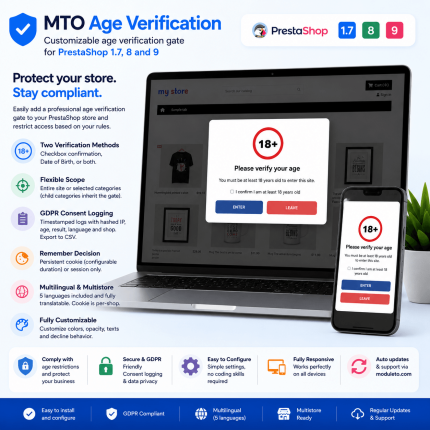
The MTO Age Verification module adds a customizable 18+ age gate to your PrestaShop store, so visitors confirm their age before they browse or buy age-restricted products such as alcohol, tobacco, or vaping items. This PrestaShop age verification module supports a checkbox, a validated date of birth, or both, logs every consent for GDPR with CSV export, and can protect the whole store or only selected categories. It is compatible with PrestaShop 1.7, 8 and 9, works with multistore, and is translated into 6 languages.
- Customizable 18+ age verification popup for the whole store or specific categories
- Three methods: checkbox confirmation, date of birth, or both
- GDPR consent logging with one-click CSV export
- Guest checkout protection: auto-fills and blocks underage birth dates
- Multistore ready and translated into 6 languages
- Compatible with PrestaShop 1.7, 8 and 9

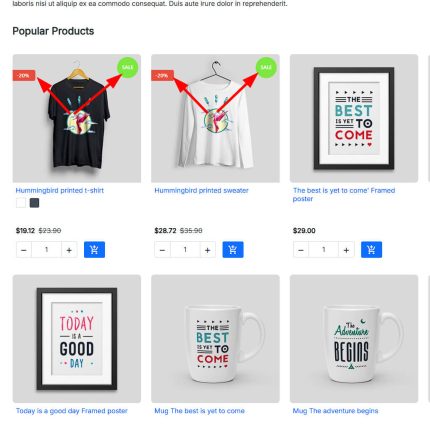
MTO Smart Product Labels — PrestaShop Product Badges & Stickers Module
Display eye-catching labels, badges, and stickers on your PrestaShop product images. MTO Smart Product Labels is a powerful PrestaShop product labels module with 10 smart auto-rule types that automatically assign labels like New, Sale, Bestseller, and Low Stock — no manual work required.
Key highlights:
- 10 smart auto-rules: New, On Sale, Discount %, Bestseller, Low Stock, Category, Manufacturer, Supplier, Feature, Price Range
- Dynamic
{discount}variable — shows actual discount percentage (e.g., "-25%") - 4 shapes × 4 positions × 2 animations + custom image labels
- Date scheduling: show labels only during Black Friday, Christmas, etc.
- Compatible with PrestaShop 1.7, 8, and 9 — no overrides, theme-agnostic

MTO Social Proof — Product Page Content
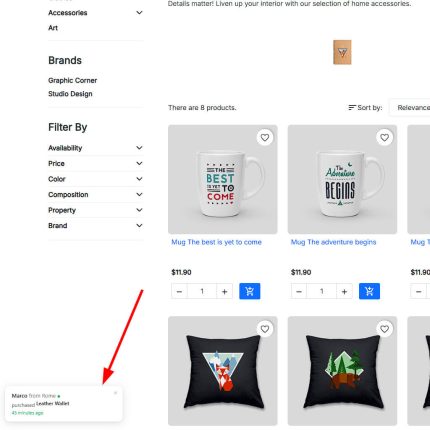
Display recent purchase notification popups on your PrestaShop store to create instant social proof and FOMO. MTO Social Proof is a lightweight PrestaShop social proof module that shows "Anna from Berlin purchased Hummingbird T-shirt — 3 minutes ago" popups, encouraging visitors to buy now.
Key highlights:
- Real orders from your store database — or virtual (fake) notifications for new stores
- Mixed mode: combine real and virtual for maximum impact
- Product thumbnail, customer name, city, and "X minutes ago" in each popup
- Click popup → go to product page (drives traffic to products)
- Configurable timing: show duration, interval, initial delay, max popups per visit
- Customer name privacy: full name, first name only, or initials
- Exclude pages: hide on cart, checkout, account pages
- Compatible with PrestaShop 1.7, 8, and 9 — no overrides

MTO WhatsApp Chat — Product Page Content
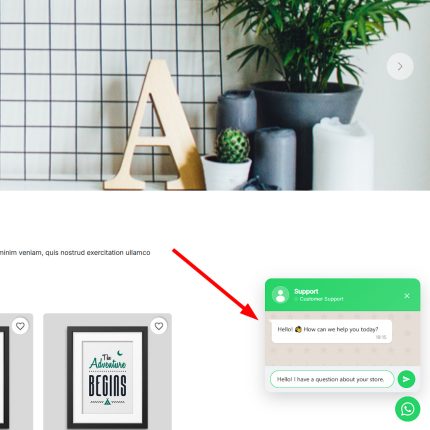
Add a professional WhatsApp chat button to your PrestaShop store and let customers reach you in one tap. MTO WhatsApp Chat is a lightweight PrestaShop WhatsApp chat module that displays a floating button with an optional popup chat window — just like the real WhatsApp interface.
Key highlights:
- Two modes: Direct WhatsApp link or interactive Chat Window with agent info
- Smart pre-filled messages with product name and URL variables
- Working hours schedule — auto-hide or show "Offline" outside business hours
- Fully customizable: colors, position, animation, delays, device visibility
- Compatible with PrestaShop 1.7, 8, and 9 — no overrides, no conflicts


YouTube Video Feed PrestaShop Module
Showcase your latest YouTube videos anywhere in your PrestaShop store with this powerful and easy-to-use module. Choose between grid or slider layouts, customize columns, enable autoplay, and support multiple display positions. No coding required. Fully responsive and compatible with PrestaShop 1.7, 8, 9. Perfect for boosting engagement and sales!
Reviews
There are no reviews yet.